 NetMute
Acheter NetMute Pro
NetMute est une application gratuite sur le Mac App Store. Pro débloque le reste avec un achat unique et sans abonnement : dans l'application via l'App Store, ou ici directement, avec une facture et des licences pour plusieurs Macs.
macOS 26 ou version ultérieure · pas de compte
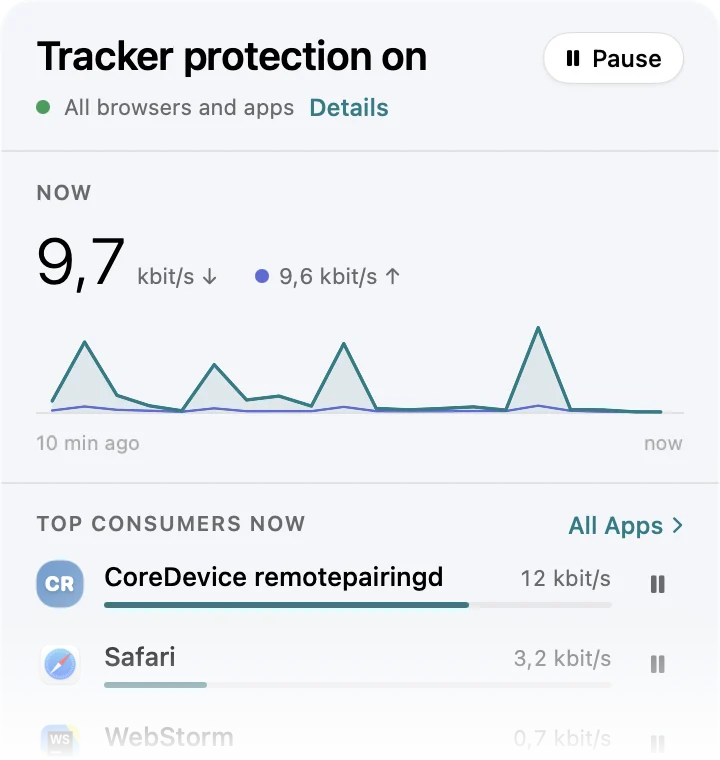
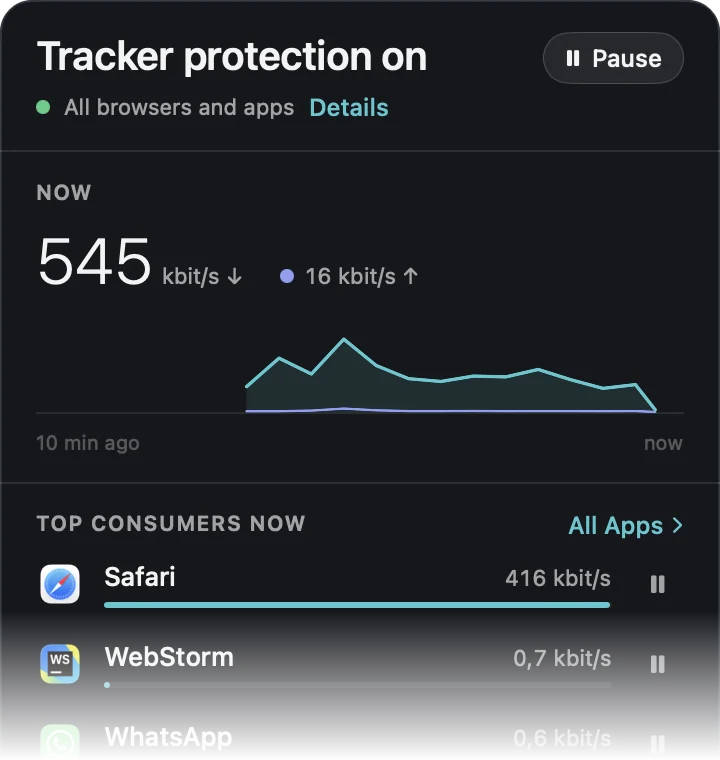
Ce que fait la version gratuite, ce que Pro ajoute
Gratuit
Gratuit sur le Mac App Store
- Pare-feu par application : couper toute application d'Internet
- Moniteur de trafic en direct, octet par octet
- Tracker Shield : les 50 traqueurs les plus actifs
- App X-Ray : chaque domaine contacté par une application, avec une note de suivi
- 5 blocages de domaine personnels
- Le trafic de la semaine en cours
NetMute Pro
Achat unique : dans l'application ou directement ici
Tout le gratuit, plus
- Tracker Shield complet : plus de 300 domaines au lieu de 50
- Bloquez ou autorisez des domaines individuels directement depuis App X-Ray
- Tableau de bord confidentialité
- Rapports sur plusieurs mois
- Limites de données par app
- Vos profils réseau, changement automatique
- Horaires et automatisation Wi-Fi
- Blocages de domaine illimités
Achat direct
Achetez NetMute Pro en direct et vous recevez une clé de licence, une vraie facture avec numéro de TVA et des tarifs multipostes pour les équipes. Vous préférez l’App Store ? C’est possible aussi.
Activez sur un Mac à la fois
Licence unique
Une personne, sur les Mac qu’elle utilise.
achat unique, sans abonnement
AcheterActivez sur 5 Mac à la fois
5 licences
Petite équipe ou cabinet de conseil.
12 € par poste, achat unique
AcheterActivez sur 10 Mac à la fois
10 licences
Tout un service, une facture.
11 € par poste, achat unique
AcheterChaque licence inclut
- Toutes les fonctionnalités Pro, déverrouillées
- Toutes les mises à jour dans la version majeure
- Facture avec numéro de TVA, prête pour les dépenses
Les prix peuvent changer. Ce qui s’applique est le prix indiqué lors du paiement. Qui vend, et comment fonctionne la TVA
Une vraie facture
Nom de l’entreprise, numéro de TVA, taxe affichée séparément. L’App Store ne délivre qu’un reçu Apple personnel, ce qui pose problème dès qu’il doit passer par la comptabilité.
Téléchargement signé
Notarié par Apple et publié en tant que version signée. Vous obtenez toujours la version actuelle au même endroit.
Ou l'App Store
Pour une seule personne, l'App Store est la voie la plus simple : Pro s'achète dans l'application avec votre compte Apple, et il n'y a pas de clé de licence à conserver. Même application, mêmes fonctionnalités.
Comment ça fonctionne
- 01
Achetez. La clé de licence arrive par email immédiatement, avec la facture.
- 02
Téléchargez la version directe de NetMute et déplacez-la dans votre dossier Applications. La clé de licence ne fonctionne que dans cette version, pas dans celle de l'App Store.
Télécharger la version directe (.dmg) - 03
Ouvrez Paramètres, allez dans À propos, collez la clé sous Licence. C’est tout. Vous pouvez libérer la place à tout moment et l’utiliser sur un autre Mac.