 NetMute
Buy NetMute Pro
NetMute is a free download on the Mac App Store. Pro unlocks the rest with a one-time purchase and no subscription: inside the app through the App Store, or here directly, with an invoice and licences for several Macs.
macOS 26 or later · no account
What Free does, what Pro adds
Free
Free on the Mac App Store
- Per-app firewall: cut any app off the internet
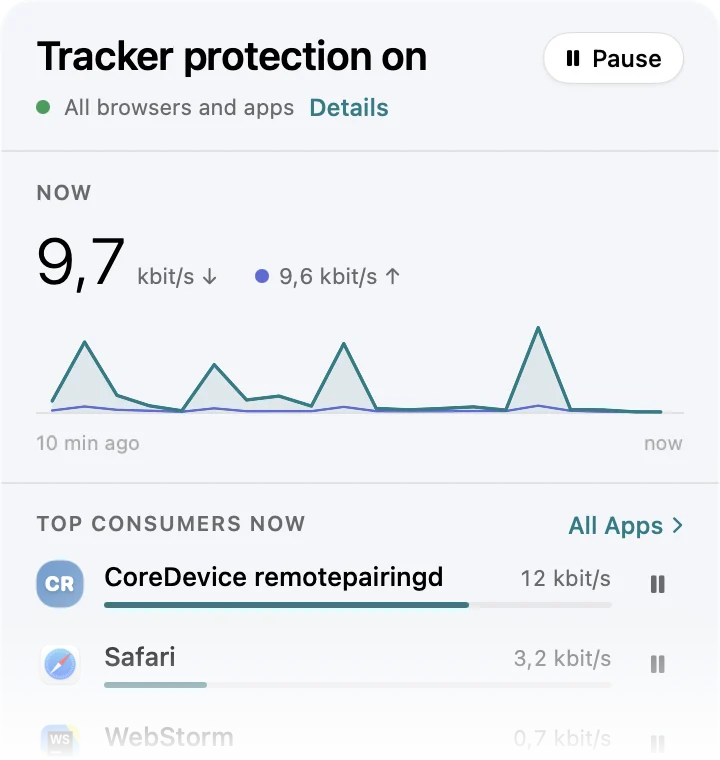
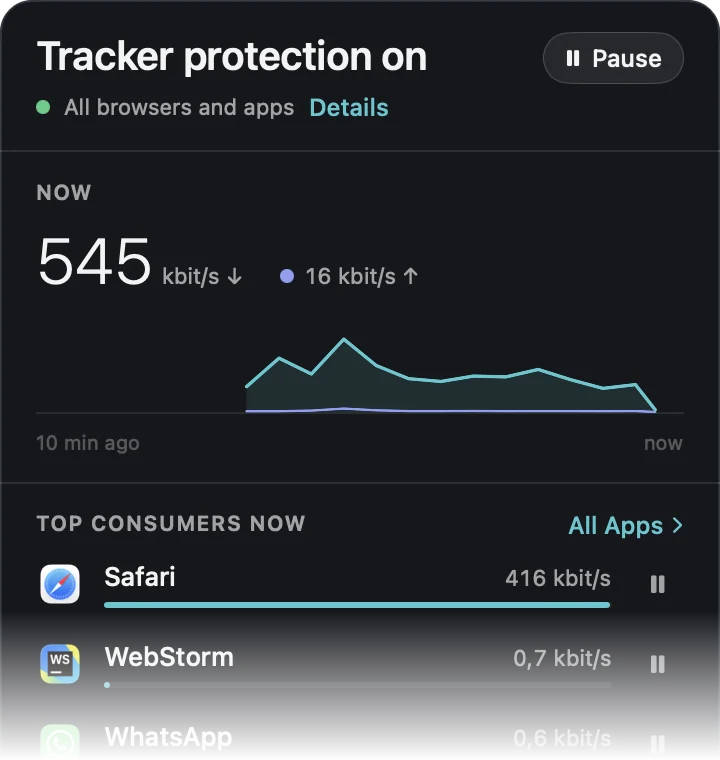
- Live traffic monitor, byte by byte
- Tracker Shield: the 50 most active trackers
- App X-Ray: every domain an app contacts, with a tracking grade
- 5 domain blocks of your own
- This week's traffic
NetMute Pro
One-time purchase: in the app or directly here
Everything in Free, plus
- Full Tracker Shield: 300+ domains instead of 50
- Block or allow single domains right from App X-Ray
- Privacy dashboard
- Reports across months
- Per-app data limits
- Your own network profiles, switching automatically
- Schedules and Wi-Fi automation
- Unlimited domain blocks
Direct purchase
Buy NetMute Pro directly and you get a licence key, a proper invoice with a VAT ID, and multi-seat pricing for teams. Prefer the App Store? That works too.
Activate on one Mac at a time
Single licence
One person, on the Macs they use.
one-time, no subscription
BuyActivate on 10 Macs at a time
10 licences
Whole department, one invoice.
€11 per seat, one-time
BuyEvery licence includes
- Every Pro feature, unlocked
- All updates within the major version
- Invoice with VAT ID, ready for expenses
Prices can change. What applies is the price shown at checkout. Who sells, and how tax works
A real invoice
Company name, VAT ID, tax shown separately. The App Store only issues a personal Apple receipt, which is a problem the moment it has to go through the books.
Signed download
Notarised by Apple and published as a signed release. You always get the current version from the same place.
Or the App Store
For a single person the App Store is the simpler route: Pro is bought in the app with your Apple Account, and there is no licence key to keep. Same app, same features.
How it works
- 01
Buy. The licence key arrives by email straight away, together with the invoice.
- 02
Download the direct version of NetMute and move it to your Applications folder. The licence key works only in this version, not in the one from the App Store.
Download the direct version (.dmg) - 03
Open Settings, go to About, paste the key under Licence. That is it. You can release the seat again at any time and use it on another Mac.