 NetMute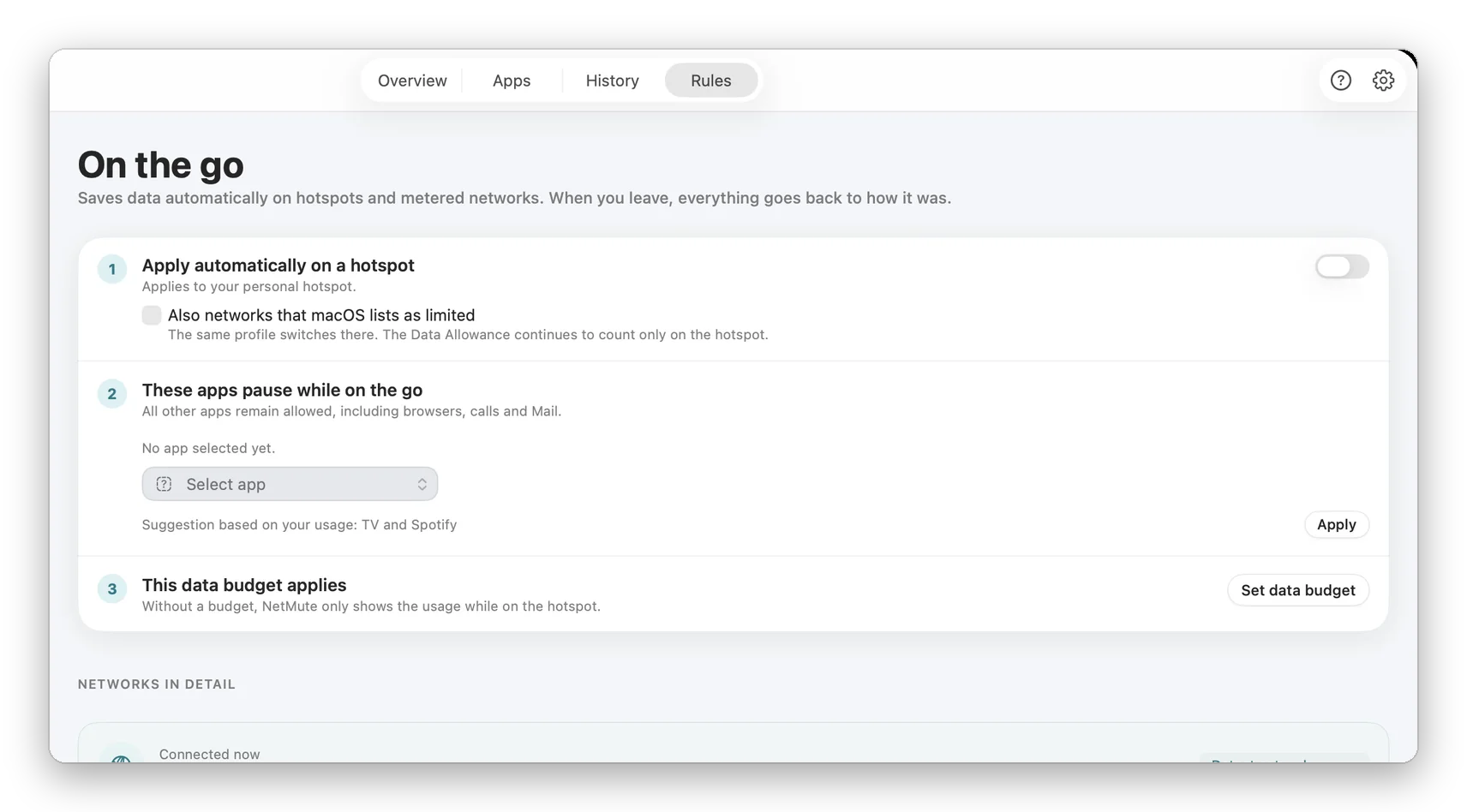
What to look for in a TripMode alternative
TripMode is a data saver. While it is switched on, every app is blocked except the ones you allow, and TripMode 3 switches itself on when your Mac joins a hotspot or a tethered phone. It has schedules, profiles, a live monitor and a data limit for your whole plan. If stretching a data plan is the only job, that model is simple and it works.
NetMute starts from a different question: which of your apps should reach the internet at all, and who are they talking to? It is a per-app firewall that runs on every network, blocks tracker domains without asking you about each connection, and gives every app a privacy grade from what it actually contacts. Saving mobile data is built in too, with limits per app instead of one limit for everything.
What NetMute does in detail
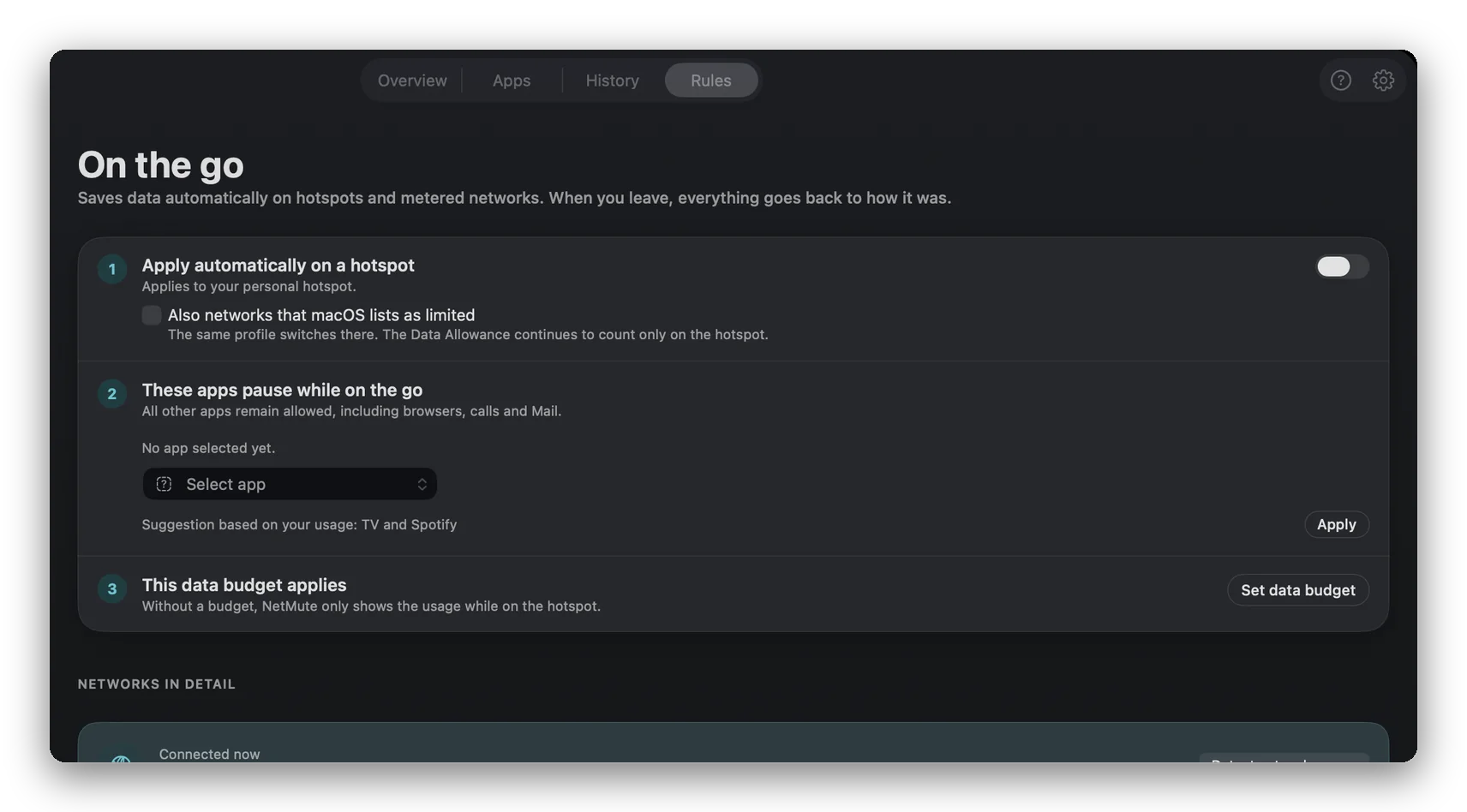
On a hotspot. "On the go" applies automatically when your Mac joins a hotspot: it pauses the apps you chose, watches a data budget, and puts everything back when you leave. Data limits work per app, so you can give your mail app a small budget and keep cloud sync off entirely, optionally only on hotspots.
On every other network. The firewall does not switch off when you get home. Block an app entirely or only single destinations, and watch live traffic per app. Every rule shows how often it fired, and rules that provably cannot fire are named.
Trackers. Tracker Shield blocks 300+ curated tracker domains in apps and in browsers. Browsers that resolve names on their own, such as Brave, need one extra setting, and the app's "Where NetMute protects" check shows per browser where blocking works. A real example from the developer's own Mac, 7 to 22 September 2026: GeForce NOW contacted 59 domains, 2 of them tracking endpoints (feedbacks.telemetry.data.nvidia.com and events.telemetry.data.nvidia.com), both blocked. Over 30 days the same Mac stopped 2,701 tracker requests from 33 apps to 64 companies.
Less noise. Quiet Mode records new connections instead of popping up a prompt for each one, and you decide the backlog in one pass.
What NetMute costs
NetMute is free to download, with no time limit. The free version already includes the per-app firewall, live traffic per app, Tracker Shield for the 50 most active tracker domains and 5 custom domain blocks.
Pro is a one-time purchase: no subscription, no account, all updates within the major version included. It adds what TripMode users usually look for, per-app data limits and the automatic hotspot mode, plus the full Tracker Shield (300+ domains), App X-Ray with a privacy grade per app, the Privacy Dashboard, reports over months with CSV export, custom profiles, schedules and unlimited domain blocks.
Get Pro as an in-app purchase in the Mac App Store, or buy directly with a licence key (team licences for 5 or 10 Macs and a proper invoice with your VAT ID). TripMode, for comparison, is sold through the Mac App Store and Setapp: a 7-day trial, then a monthly or yearly subscription or a one-time lifetime purchase.

