NetMute

Use cases

Focused guides for what you actually came here to do

Each guide answers one specific question end-to-end — how to block an app from the internet, how to see exactly what your Mac is sending, how to monitor network traffic per app. Short, screenshot-led, no fluff.

01

Block an app's outgoing traffic

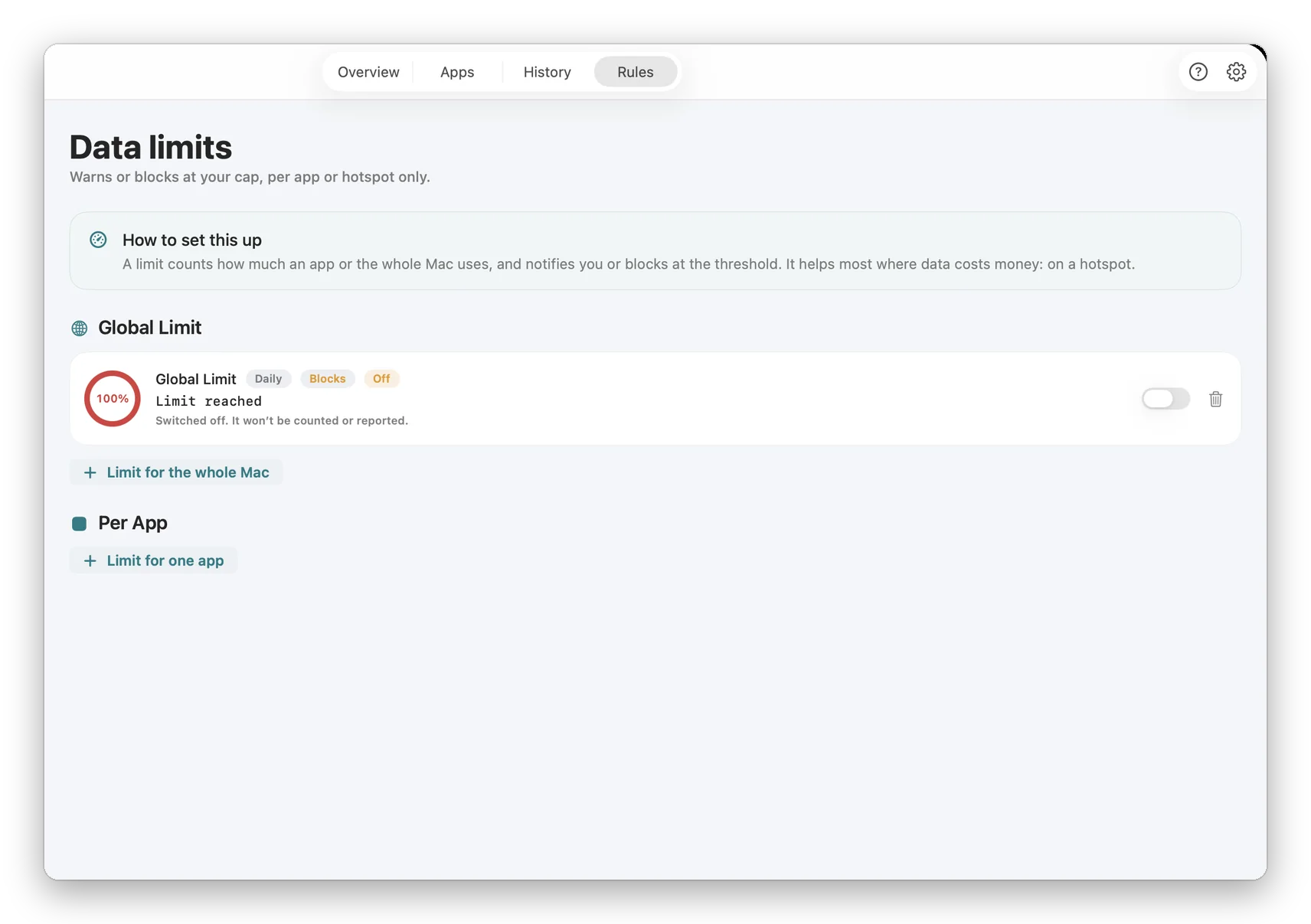
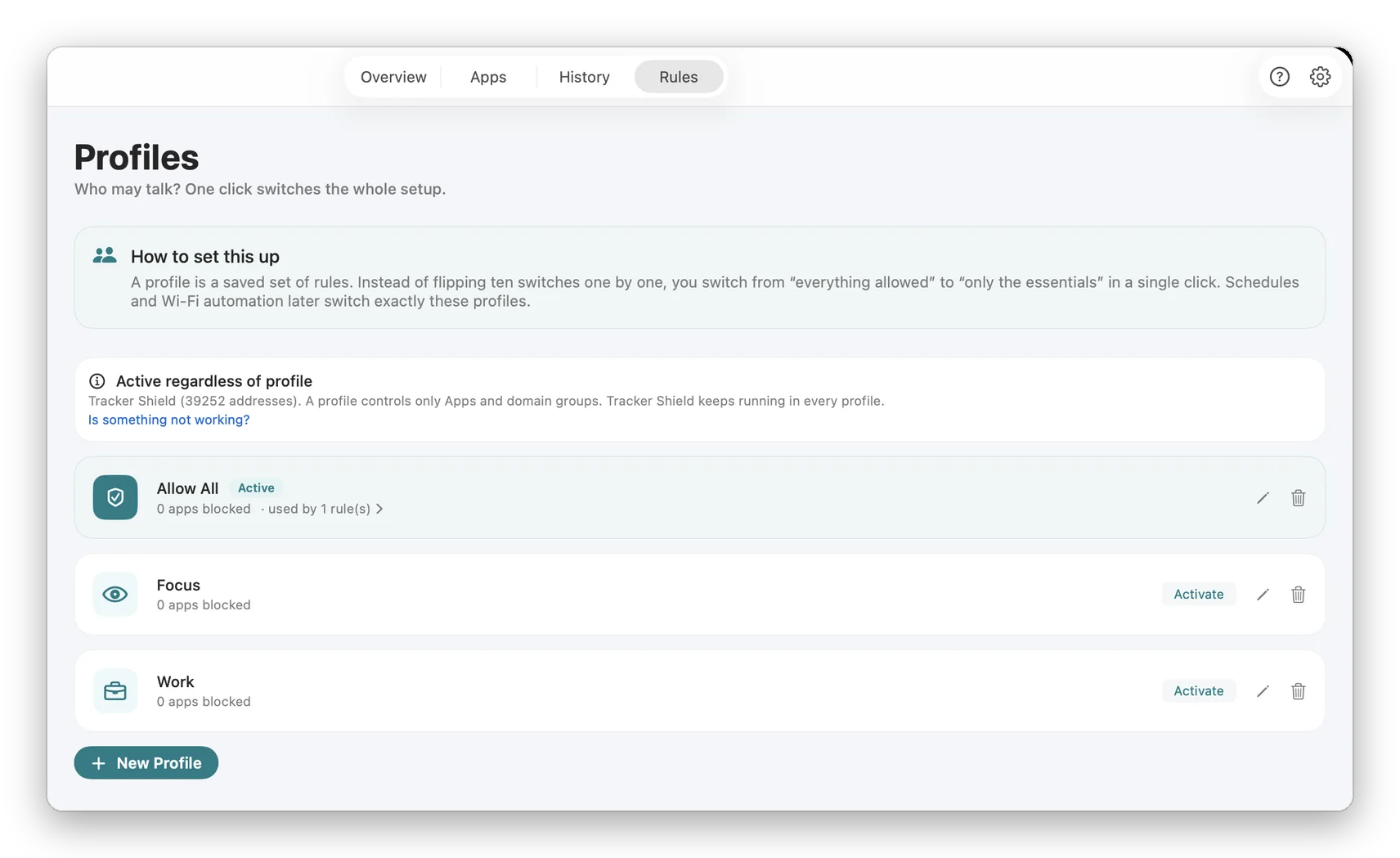
The full guide: what macOS does and doesn't block, real walkthrough with annotated screenshots, honest comparison of Little Snitch, LuLu, Radio Silence and NetMute.

The built-in Mac firewall blocks incoming connections only. Every app on your Mac can still phone home to whatever server it wants — and most do, dozens of times an hour. This guide explains why, walks through a free fix with real screenshots, and compares the four serious options honestly.

What this guide answers

  • Does the macOS built-in firewall block outgoing connections?
  • Why doesn't macOS include an outbound firewall by default?
  • Will blocking an app's outgoing traffic break the app?
Read the guide
02

See where your data goes

Watch every server your Mac talks to in real time — grouped by app, by company and by country. Find the trackers, then decide what to cut off.

Right now, apps on your Mac are sending data to servers you have never heard of — analytics, advertising, telemetry, sync. macOS gives you no way to see it. This guide shows how to watch every outbound connection in real time: which app, which company, which country.

What this guide answers

  • Can I see where my Mac is sending data?
  • Does this show what is inside the data, or just where it goes?
  • Which countries does my Mac connect to?
Read the guide
03

Faster internet on the go

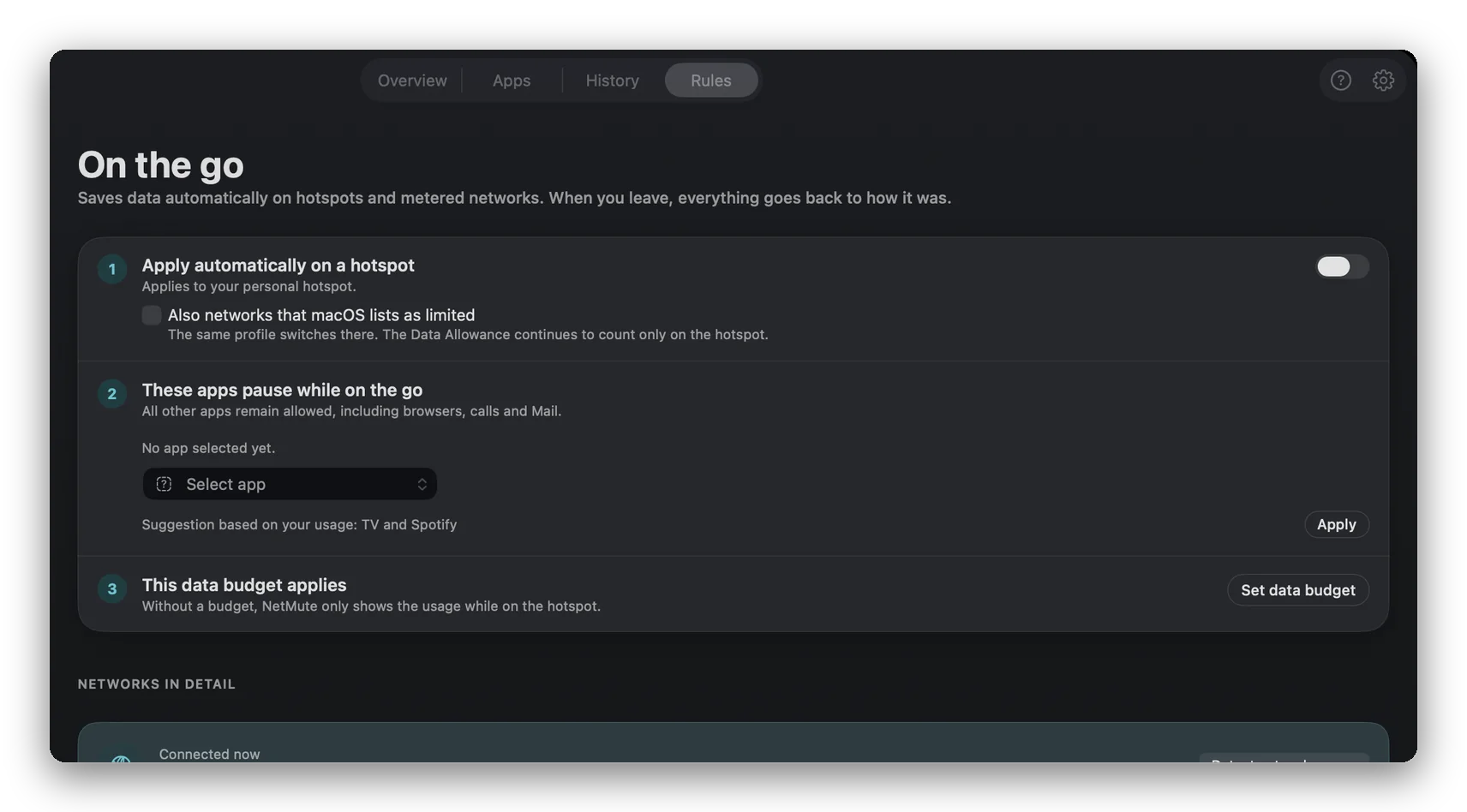
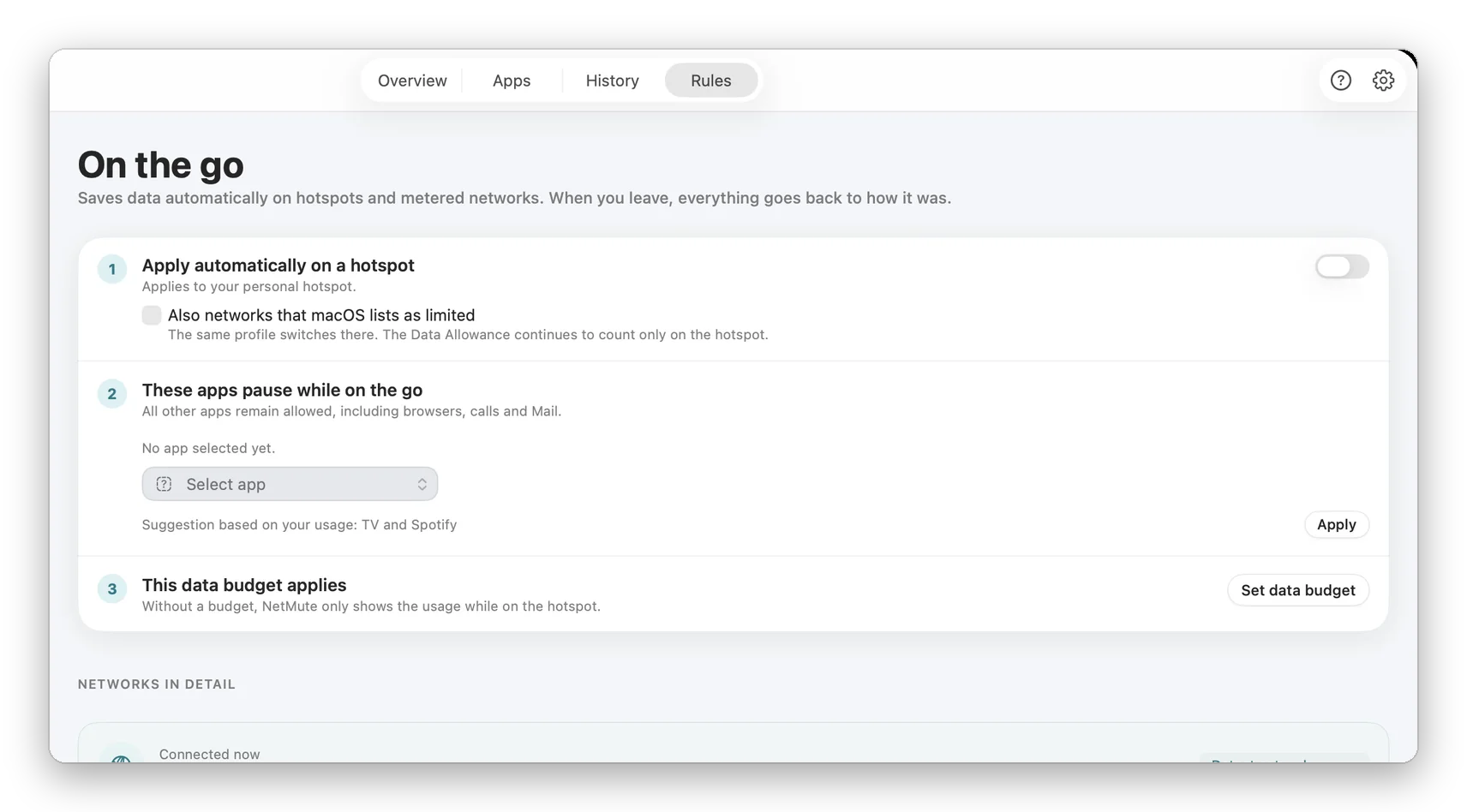
Train Wi-Fi or a hotspot crawling? Block the background apps hogging your bandwidth — cloud sync, updaters, backups — and the foreground gets fast. Automatic on metered networks.

On a train, a phone hotspot or hotel Wi-Fi, your bandwidth is tiny and shared — and your Mac spends it on cloud sync, updates, backups and telemetry running in the background. Cut those off per app and everything you are actually doing gets faster.

What this guide answers

  • Does blocking apps actually make my internet faster?
  • Which apps should I block on a train or hotspot?
  • Is this the same as TripMode?
Read the guide

See what your Mac is saying.

Free on the Mac App Store. No account, no subscription.