 NetMute
How to check whether tracker blocking actually works on your Mac
Blocking on a Mac has a quiet failure mode: the switch is on, the app says the filter is running, and one browser sails straight past it. This guide shows how to measure coverage per browser instead of trusting a green toggle, and how to read the result.
- 1.A switch that is on is not evidence. Coverage is a per-browser fact, and the only way to know it is to load something a working filter stops.
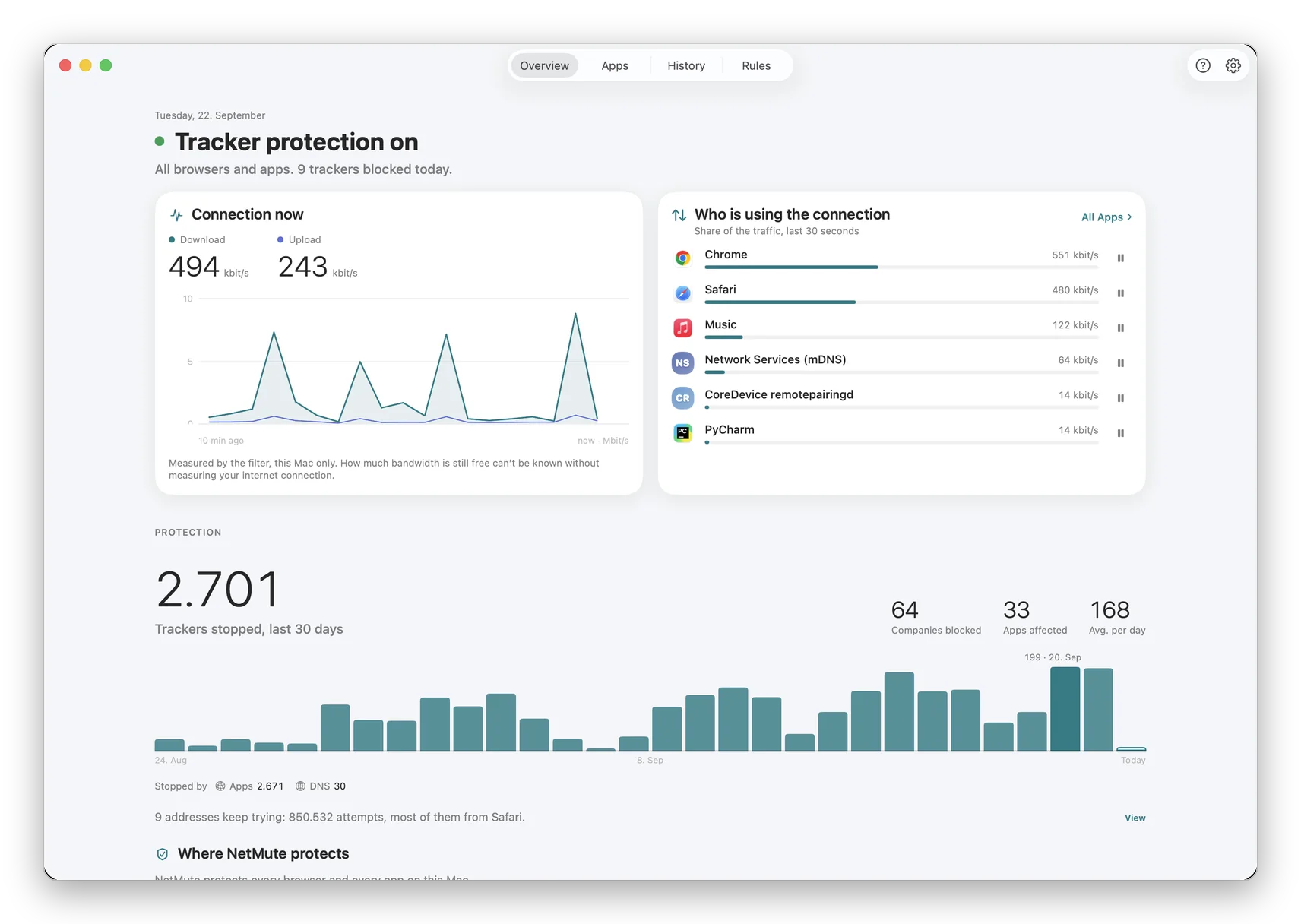
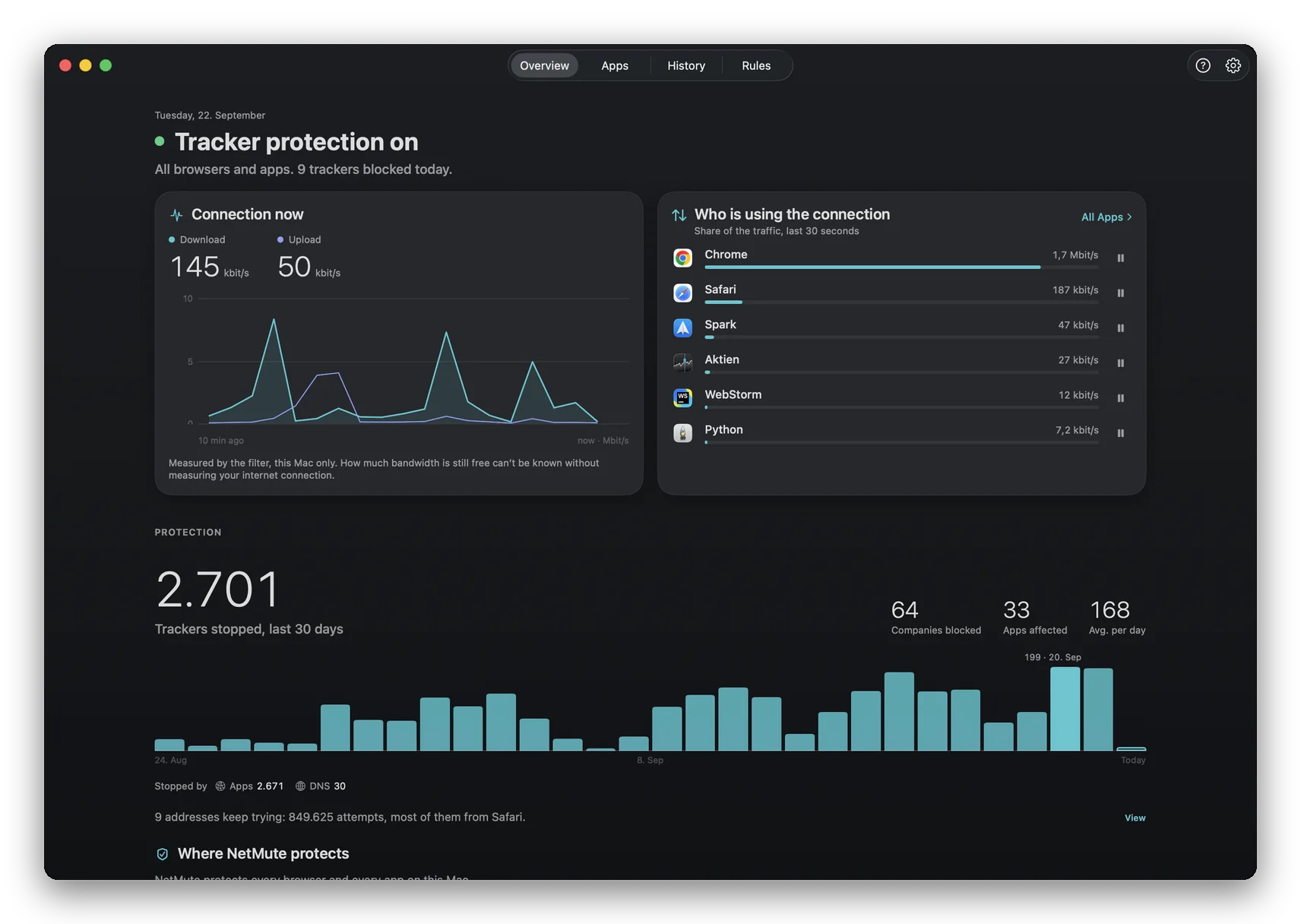
- 2.Open NetMute's Overview and read the card Where NetMute protects. Every browser on the Mac is listed by name, with its own state and its own button.
- 3.Press it. The result is stamped with the time it was taken, and a browser that has never been measured says not yet checked instead of pretending.
The problem
Everything looks fine, and one browser is wide open
Almost every privacy tool on a Mac reports its own state back to you: a shield, a toggle, a number that goes up. All of that is the tool describing itself. None of it is a measurement of what happens when a browser actually asks for a tracker domain.
The gap matters because browsers do not behave alike. One asks the system where an address lives and walks straight into the filter. The next one asks a resolver of its own and never passes the place the filter sits. Both look identical from inside a settings window, and the second one is unfiltered.
That the feature is switched on. That is a statement about the app, not about your browser, and it stays green whether or not anything reaches it.
That this browser, on this Mac, at this time, was stopped when it went for something the filter is meant to stop. That is the claim worth having.
The walkthrough
Measure it, one browser at a time
The card lives at the top of the Overview, under the thirty day history. It names the browsers installed on this Mac, and gathers everything that is not a browser into a single row.
- 1
Open the Overview and find “Where NetMute protects”
Each row is one browser: Safari, Chrome, Brave, whatever else is installed. The last row, “All other apps”, covers Mail, Messages and the rest of the system under the same rule.
- 2
Press Check on the browser you actually use
NetMute asks that browser to load an address a working filter stops, then reports what happened and writes down the date and time. A green state always tells you how old it is.
- 3
Read the state, including the awkward ones
“Not yet checked” means exactly that, and it stays until you run a check. If a relevant setting changed since the last measurement, the row says so and asks for a new one rather than keeping a green that no longer means anything.
The setting underneath
Browsers that do not hand over the page name
Under the list sits one switch, and it is the one that decides how far name based blocking reaches. With it on, NetMute reads the page name from the first moment of a connection. It never reads the content. With it off, name based blocking applies inside Safari and Apple apps only.
It is worth understanding rather than flipping blindly: the card tells you which of the two situations you are in, and the browser rows above it will change their answer accordingly. That is the point of measuring instead of assuming.
When the answer is no
A red row is a starting point
A browser that comes back unprotected is not a verdict on the browser. It usually means blocking is not reaching it the way it reaches the rest of the Mac, and there is a setting that changes that. Turn on the option above, run the check again, and read the new state.
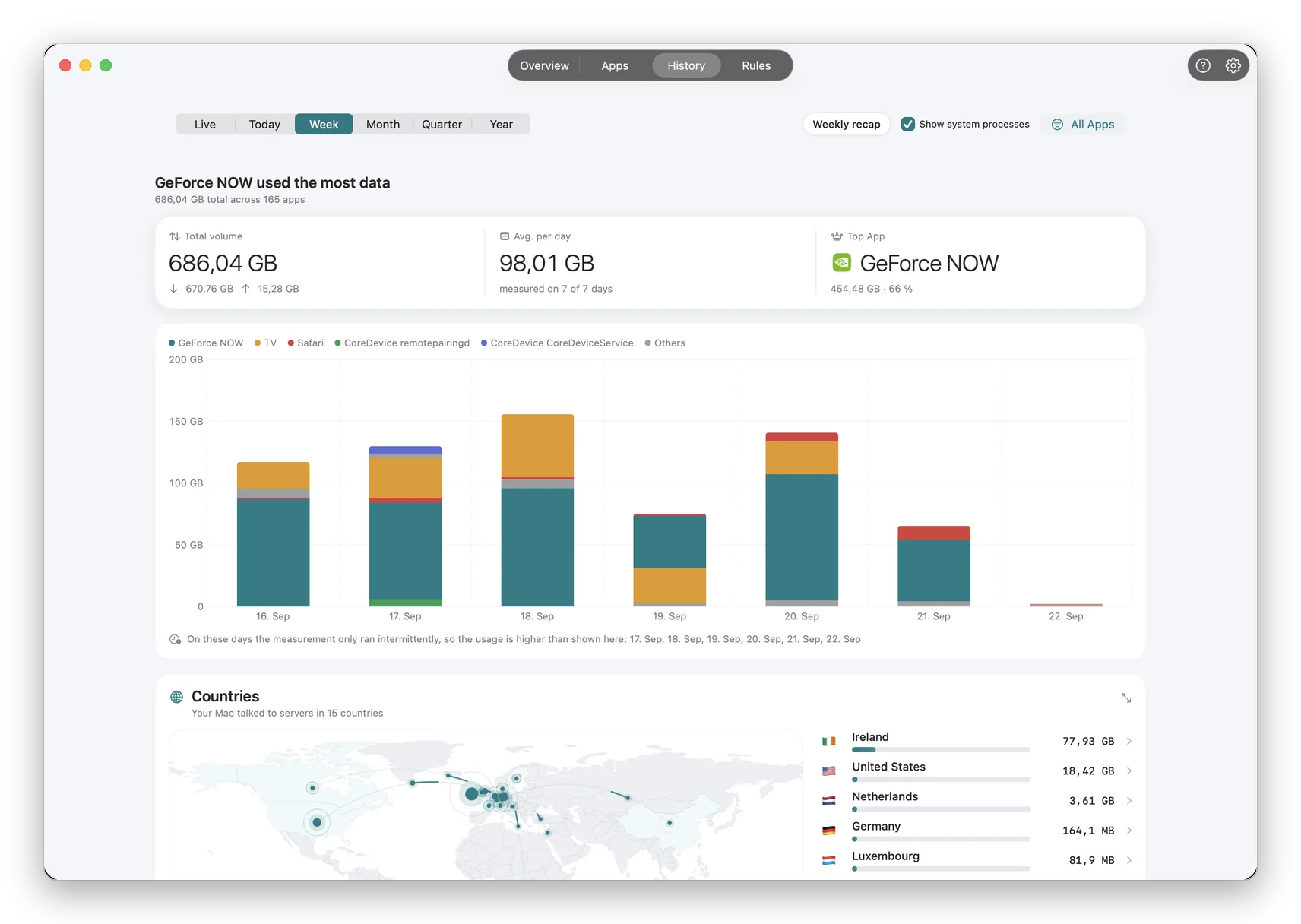
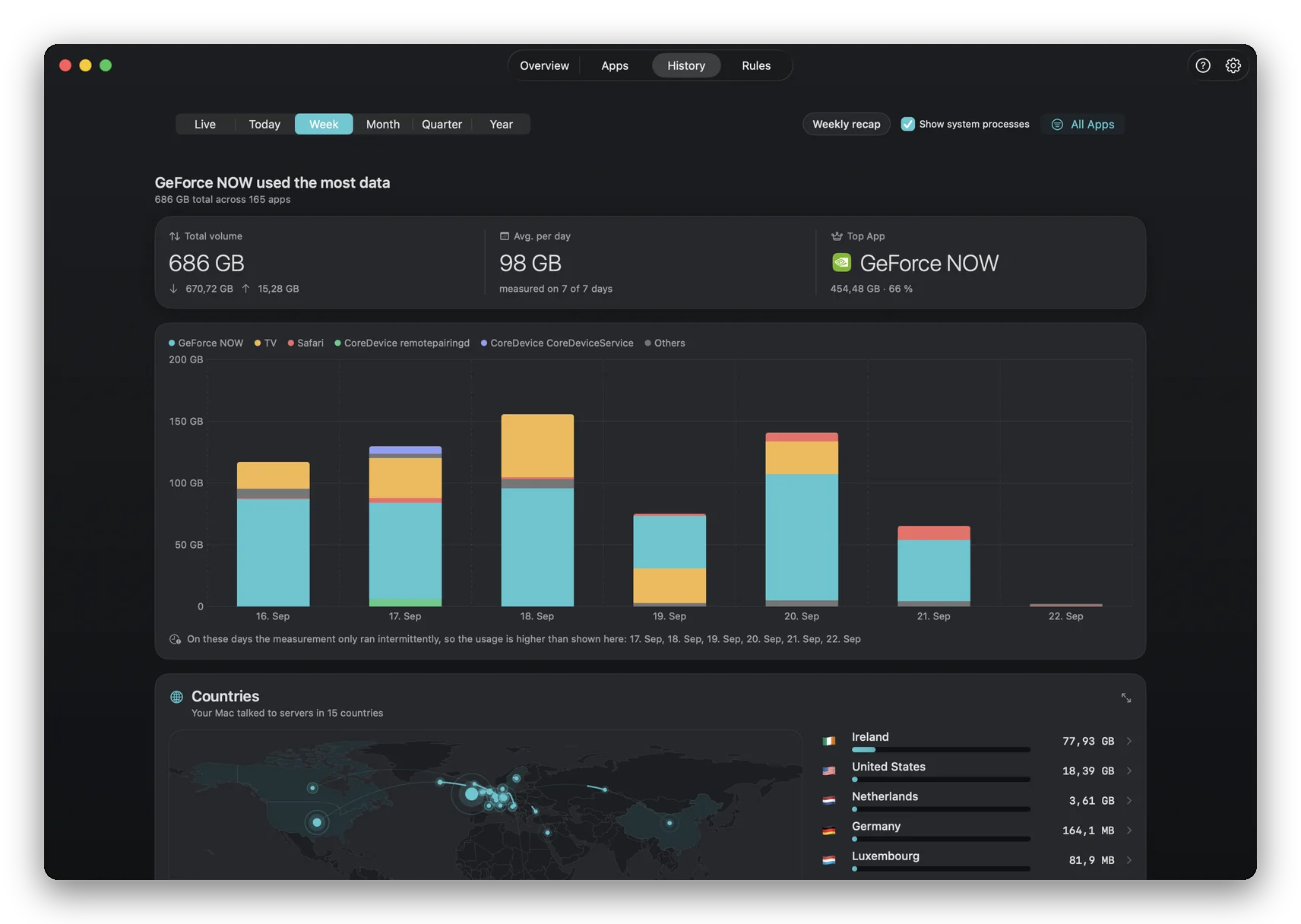
The other half of the answer lives in Activity, where every block carries the rule that caused it. If a page misbehaves after you tighten things up, that list tells you in one line whether NetMute stopped it and under which rule, instead of leaving you to switch protection off and on to find out.
FAQ
Questions that actually come up
How can I tell if my Mac is actually blocking trackers?
Load something the filter is supposed to stop and see whether it is stopped. That is the whole test, and it is the only one that answers the question. NetMute does it for you per browser: the Overview lists each browser installed on the Mac and puts a button next to it that runs the check and stamps the result with the time it was taken. A browser that has not been measured says not yet checked rather than borrowing the state of the one next to it.
Why would one browser be protected and another not?
Because browsers do not all ask the system the same question. A browser that resolves names through its own resolver, or that keeps the destination hidden from the network filter, can be outside the reach of a filter that is working perfectly well for everything else on the Mac. That is why coverage is a per-browser fact and not a single switch, and why measuring it beats assuming it.
My blocker shows a big number. Is that not proof?
A counter proves that something was blocked somewhere. It says nothing about where blocking lands, which is the part that decides whether the browser you are reading this in is covered. The two questions look similar and have different answers: a Mac can have a healthy looking counter and one browser going out completely unfiltered.
I see ads even though the check says protected. What is going on?
Those are two different questions. The check says whether blocking reaches that browser. Whether one particular ad is on any list is a separate matter, and the place to settle it is the Activity list, which names the rule behind every block. If nothing appears there for that page, nothing on it matched a list, and you can add the domain yourself.
Does the check send anything to a server?
The check loads an address that a working filter stops, and reads the outcome on this Mac. The result stays there and is shown in the card with the time it was taken.
How often should I re-run it?
After installing a new browser, after a macOS update, and whenever a page starts behaving strangely. NetMute also invalidates a result on its own: if a relevant setting changed since the last measurement, the card stops showing the old green and asks to be checked again instead.
What does it cost to run this check?
Nothing. NetMute is free to download on the Mac App Store and the Protection Check sits in the Overview, which is part of the free tier. Pro unlocks the rest, either as a permanent unlock or as a seven day pass.
Stop guessing, measure it
Free to download on the Mac App Store. The Protection Check sits in the Overview, names every browser on your Mac, and tells you when it last measured.
Get NetMute on the Mac App Store