 NetMute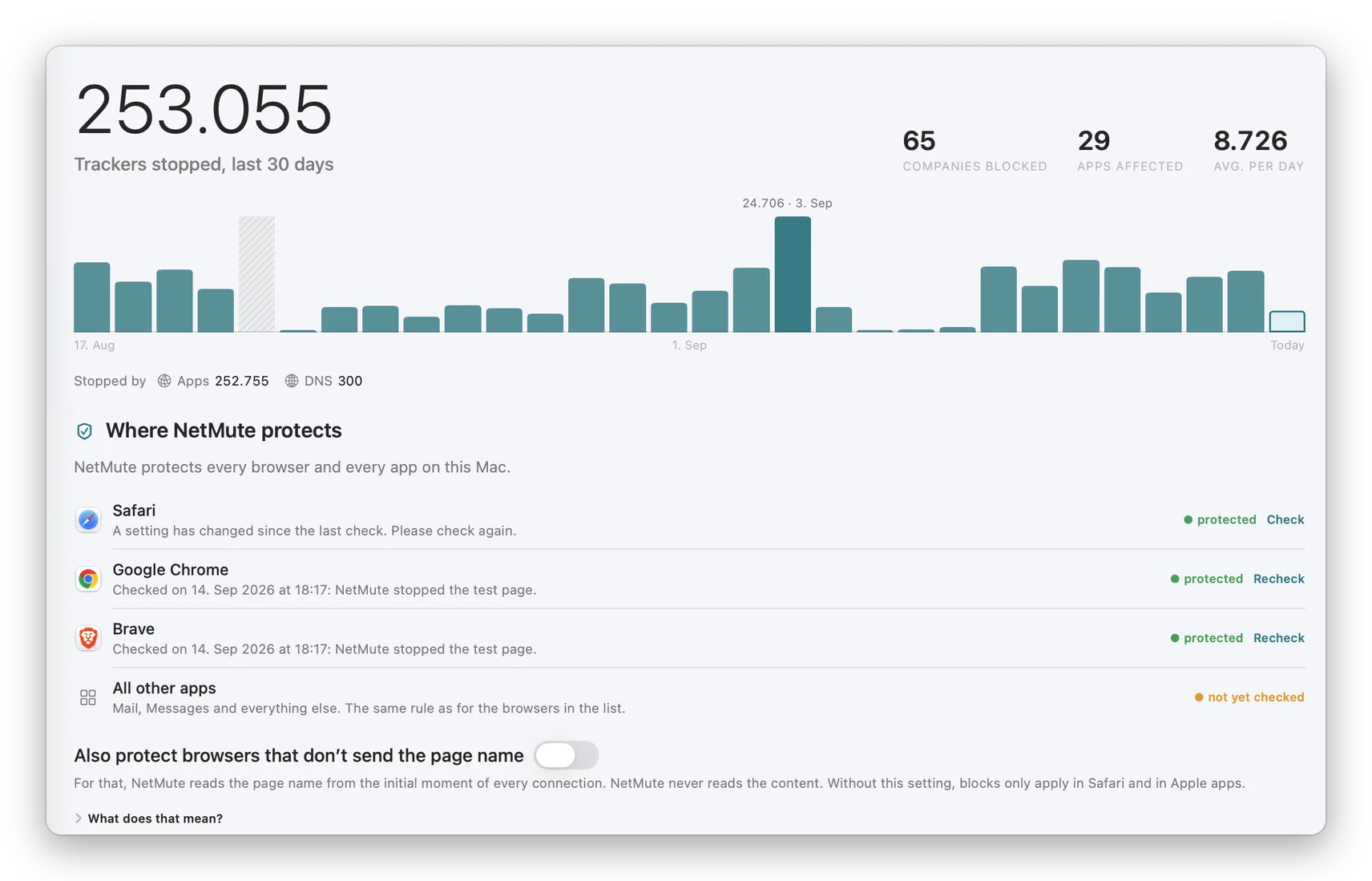
A switch that is on is not proof that anything is blocked
Tracker blocking on a Mac has a quiet failure mode. The switch is on, the app reports that the filter is running, and one browser still resolves every tracker domain it likes, because it asks its own resolver and never passes the part of the system the filter sits in.
Nothing in that picture looks broken. You find out months later, if at all.
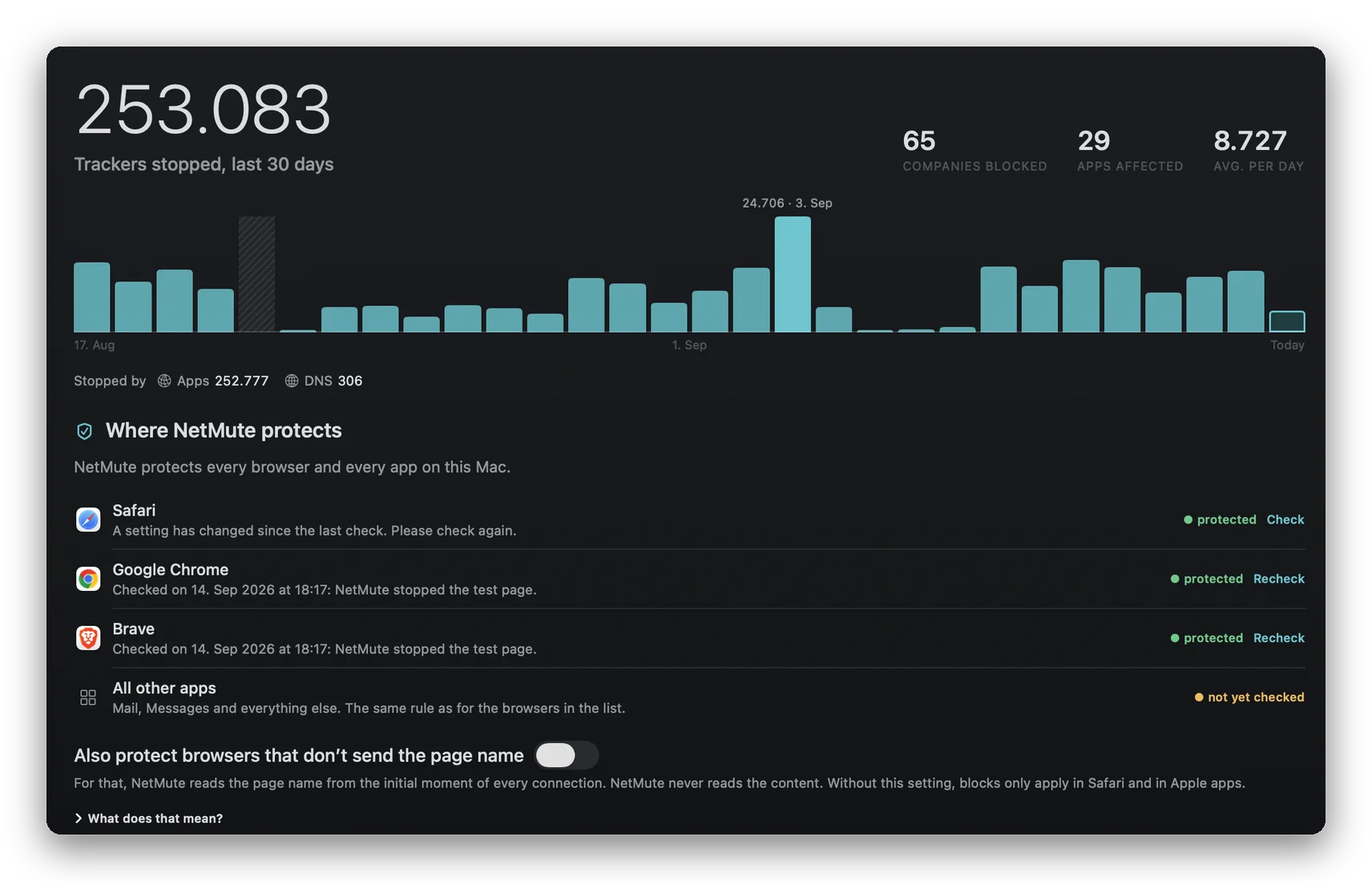
The Overview now carries a card called Where NetMute protects. It lists the browsers installed on this Mac by name, gives each one a state you can read at a glance, and puts a button next to it that runs a real check instead of restating the setting you already flipped.
What the check actually does
The check asks the browser to load an address that a working filter stops, then reports what happened. Stopped means protected, and the result is stamped with the day and time it was measured, so a green state always says how old it is.
If a setting changed since that measurement, the card does not keep the old green. It says a setting has changed and asks to be checked again.
Everything that is not a listed browser sits in one row called All other apps: Mail, Messages and the rest of the system, under the same rule as the browsers above it.
Underneath the list sits one setting, for the browsers that do not hand the page name to the system. With it on, NetMute reads the page name from the first moment of a connection and never reads the content. With it off, name based blocking applies in Safari and in Apple apps only. The card is explicit about which of the two you are in.
When it earns its place
After installing a new browser. A browser you added last week was part of no setup you ever did, and it is the one most likely to be resolving names on its own.
After a macOS update. System updates reset more network settings than their release notes admit. The check is faster than reading them.
When a page breaks. Knowing whether this browser is filtered at all separates a NetMute block from a problem on the website, before you start switching things off at random.
Before you trust a number. A counter counts what was blocked, not where. The check is the part that speaks about where.
Measured beats claimed
Most privacy tools on a Mac ask you to take coverage on faith. They show a switch, a number, maybe a shield, and the rest is assumption.
NetMute can be wrong about a browser. What it will not do is be quietly wrong: a browser that has not been measured says not yet checked, and a measurement that has gone stale says so rather than staying green.
That is what the card is for. It turns a claim into something you can check yourself, in a second, whenever you want to.
Key benefits
- Every installed browser named, with a state of its own
- A real measurement instead of a restated setting
- Each result stamped with the time it was taken
- A changed setting invalidates the old green instead of surviving it
- One row for everything that is not a browser, under the same rule
Frequently Asked Questions about the Protection Check
Does the check send anything to a server?
The check loads an address that a working filter stops and reads the outcome on this Mac. The result stays there.
Why does one browser say protected while another says not yet checked?
Because the second one has not been measured yet. NetMute does not infer a state from a setting: a browser that has not been through a check says so, and stays that way until you run one.
My browser says protected and I still see ads. Is the check wrong?
Probably not. The check says whether blocking reaches that browser, not whether one particular ad is on a list. Those are two questions, and Activity tells you which one you are looking at, because it names the rule behind every block.