 NetMute
Why you need Tracker Shield
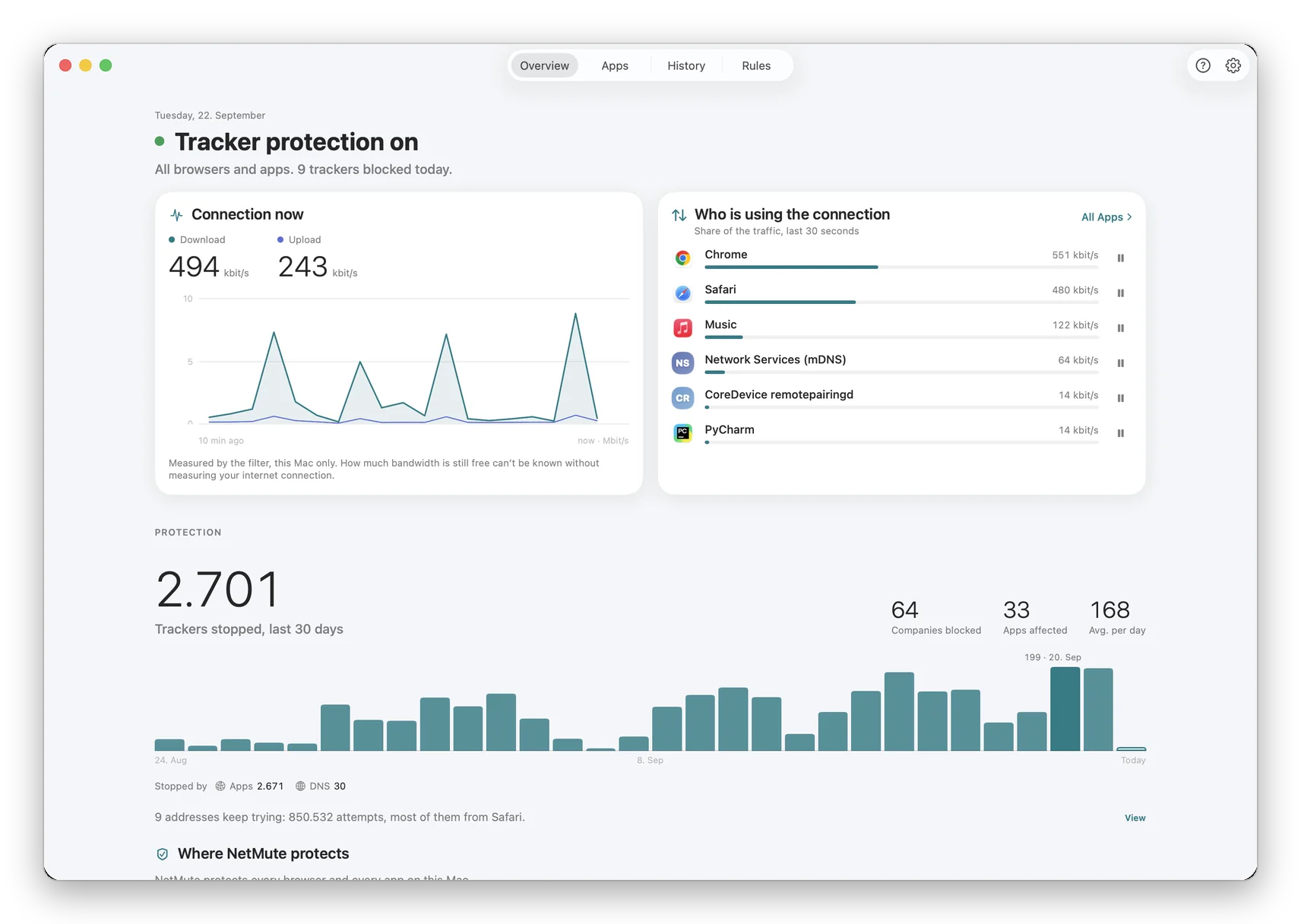
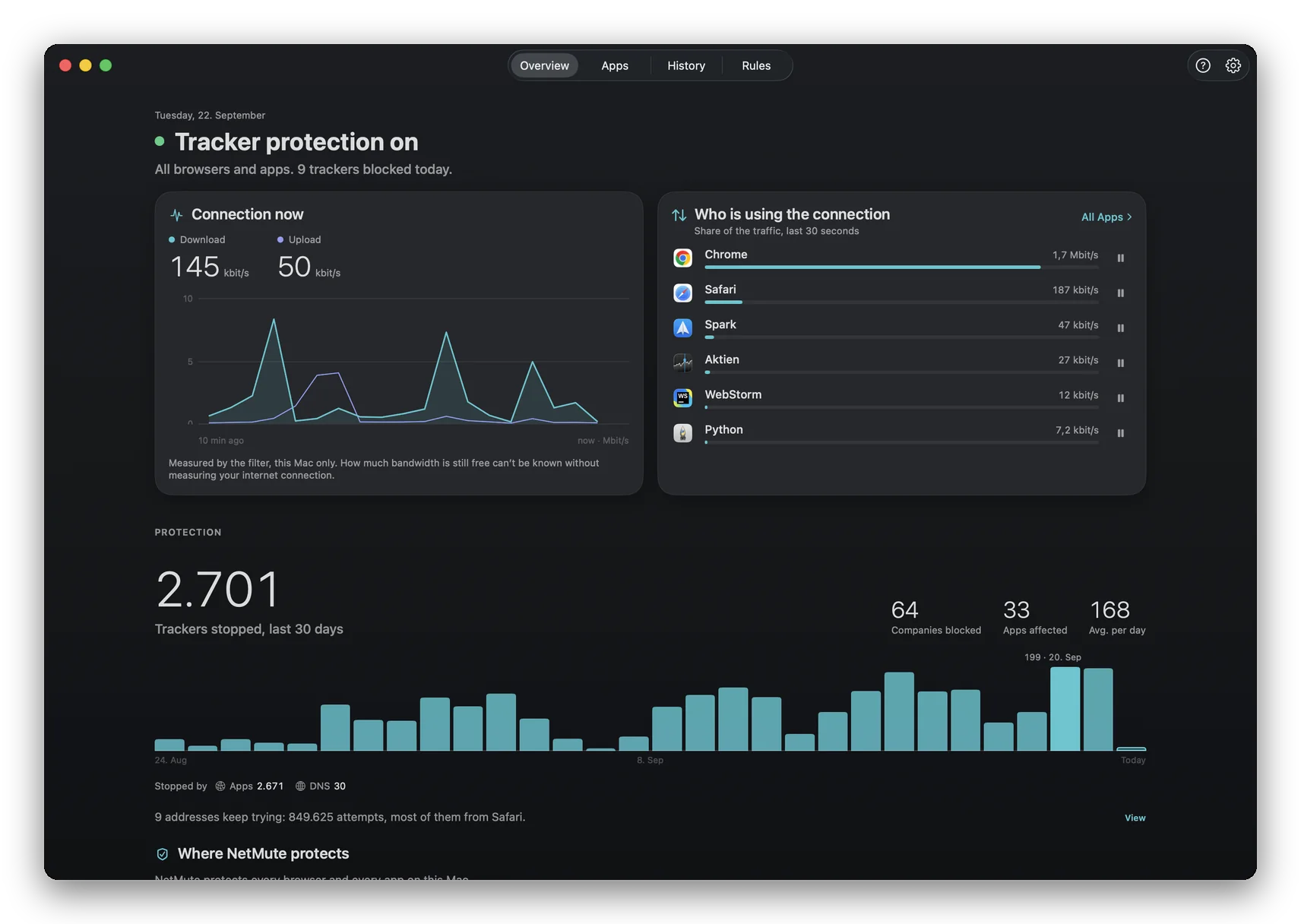
Mac apps send data to tracking companies in the background: ad SDKs, analytics services, crash and usage telemetry. Paid apps do it too. Tracker Shield blocks known tracker domains with one switch, from a curated list of over 300. It works at the network level, for your apps as well as Safari. Chrome, Brave, Edge and Arc bring their own network stack, so in those browsers it only works in part, and the Protection Check shows you where it reaches.
How Tracker Shield works
Tracker Shield uses a curated database of known tracker domains, categorized by type: advertising, analytics, fingerprinting, and social. When you activate the shield, NetMute’s network extension blocks connections to these domains. Subdomain walking ensures that tracking.facebook.com is blocked if facebook.com is in the database. Breakage detection identifies critical trackers that apps need to function (like graph.facebook.com for Facebook app) and allows them automatically with a visible warning. Per-app allowlists let you permit specific trackers for certain apps without opening them everywhere.
Some endpoints break a page when they are gone rather than track you across it. Bank logins, 3-D Secure confirmations, consent dialogs and tag managers sit in their own site-critical groups and are let through by default, and each group can be switched off on its own once you know what that costs. Public unbreak lists cover the short links and confirmation links that otherwise dead-end.
In three steps
1Switch it on
One switch. Free covers the 50 most active tracker domains, Pro the full list of 300+.
2Trackers stop, the app stays
Connections to known tracker domains are blocked. The rest of the app keeps working.
3Logins keep working
Bank logins, 3-D Secure and consent dialogs are let through by default. Each group can be switched off on its own.
Use cases for Tracker Shield
Mail, chat and productivity apps stop reaching the analytics services on the list. In Safari, ad and analytics domains are blocked on every page. Games stop reporting to the ad SDKs we know. You turn it on once, and the menu bar shows how many tracker companies were stopped.
Beyond browser ad blockers
Browser ad blockers only work inside the browser. They cannot see tracker connections from native Mac apps: your mail client, cloud storage, note app and games connect on their own. Tracker Shield works at the network level and blocks tracker connections from those apps too. Site-critical endpoints and exceptions per app keep the apps you rely on working.
Benefits
- Blocks 300+ known tracker domains with one switch
- Four categories: advertising, analytics, fingerprinting, social
- Site-critical endpoints like bank logins and 3-D Secure stay allowed
- Exceptions per app, so one app can keep a tracker the others lose
- Subdomains included: block a domain and its subdomains go with it

