NetMute
016 件の質問
Mac ファイアウォール設定
macOS の標準ファイアウォールは「受信」のみを制御します。アプリが「送信」するデータ(広告・分析・テレメトリ)は素通りです。本ガイドでは、標準設定の手順と、送信側を補うアプリ制御方法を解説します。
- macOS 標準ファイアウォールはどう有効化しますか?
- なぜ macOS には送信ファイアウォールが標準搭載されていないのですか?
- NetMute は VPN ですか?
ガイド
各ガイドは一つの質問に最初から最後まで答えます:インターネットからアプリをブロックする方法、Macがデータを送信する宛先を見る方法、アプリごとのトラフィックを監視する方法。スクリーンショット付きで、NetMuteの無料版はほとんどをカバーします。
期間制限なしで無料 · Pro ¥2,000(買い切り)
The same moment, without and with NetMute. Just keep scrolling.


An hour into the trip and most of your monthly data is gone. Your Mac thinks the hotspot is regular Wi-Fi, so cloud sync, photo upload and updaters run as if you were home.
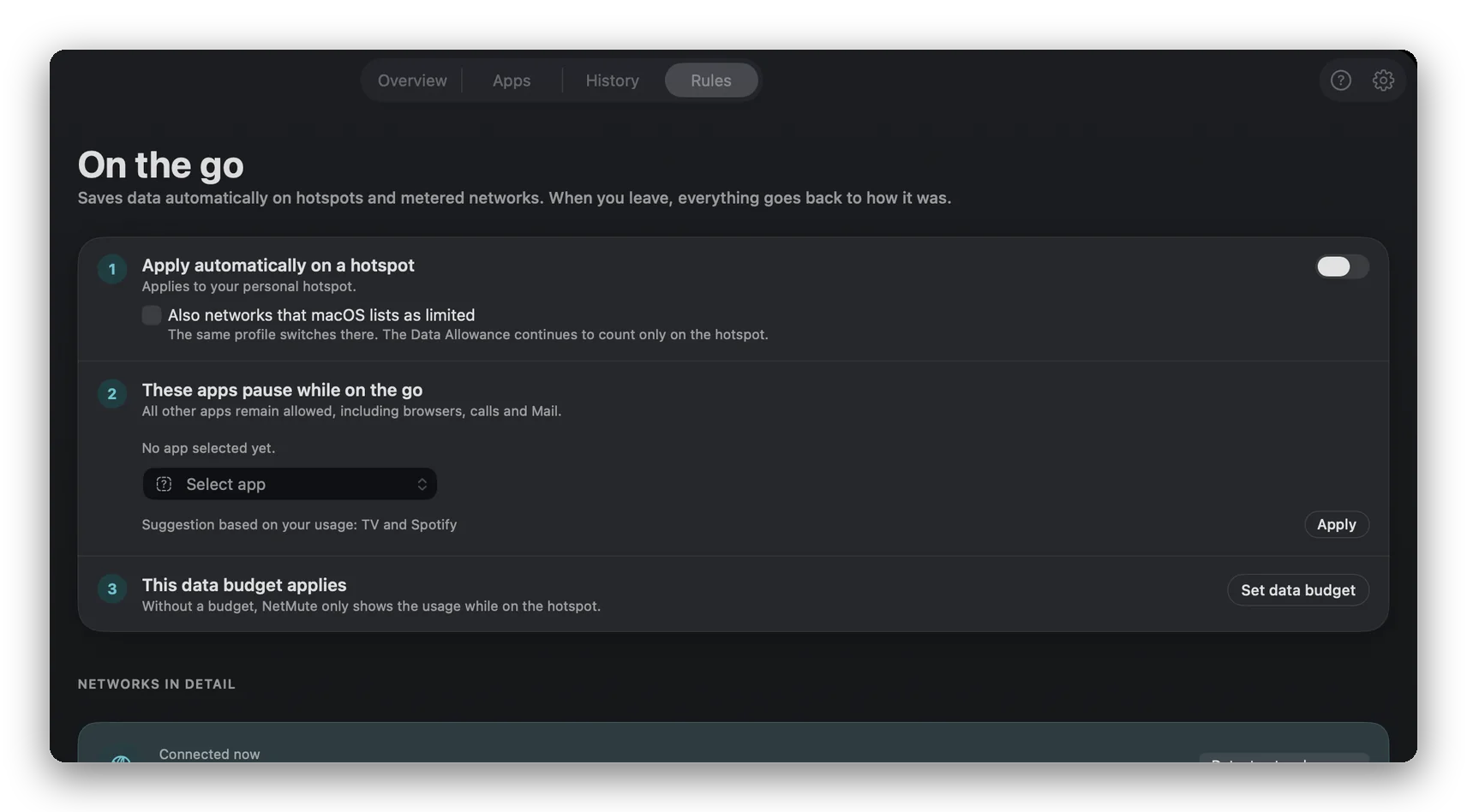
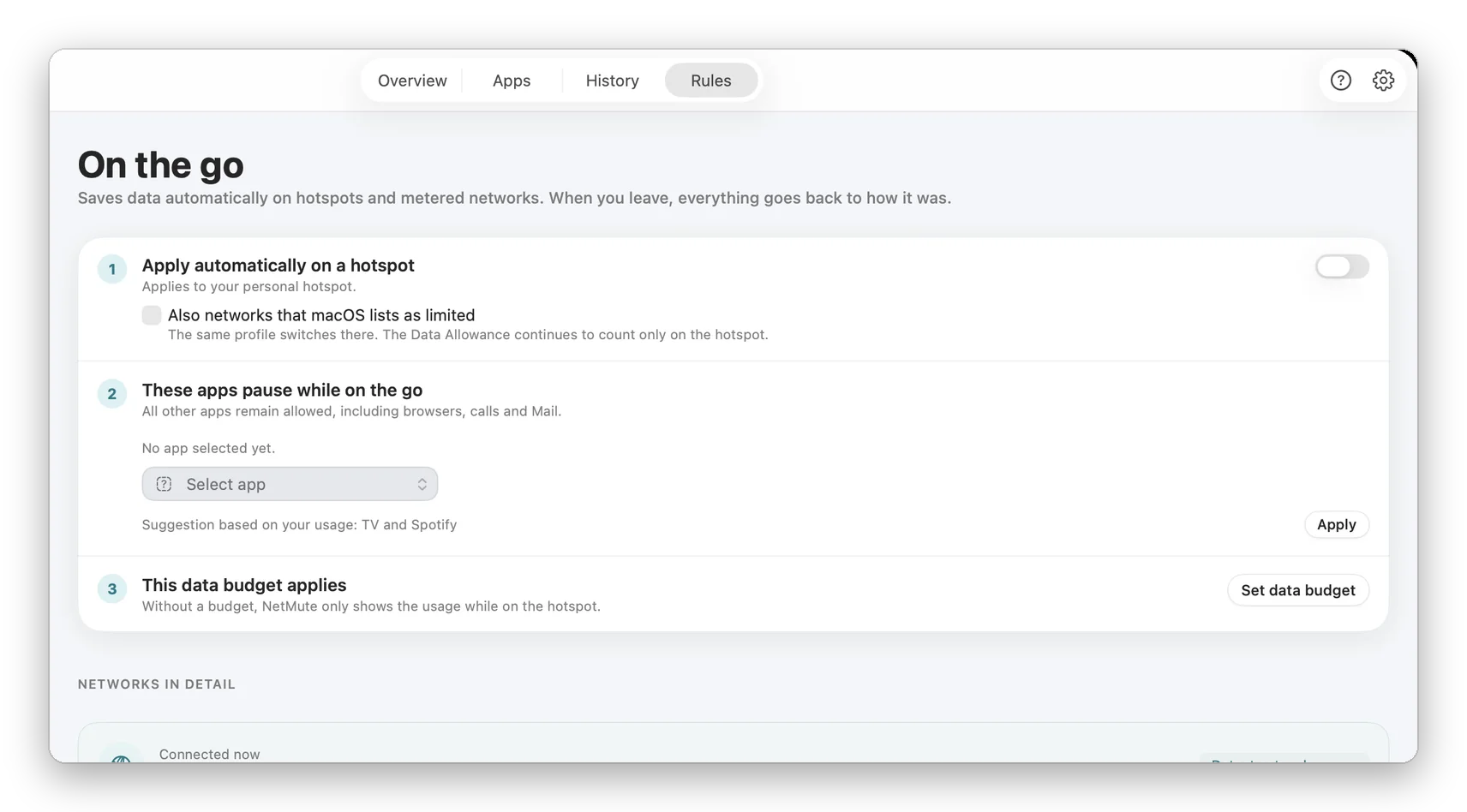
NetMute notices the hotspot and pauses the apps you chose. A data budget keeps count, and back on Wi-Fi your usual rules return.
Hotspot protection is part of Pro
How hotspot protection works

You type in the password from the key card, and every app starts talking at once.
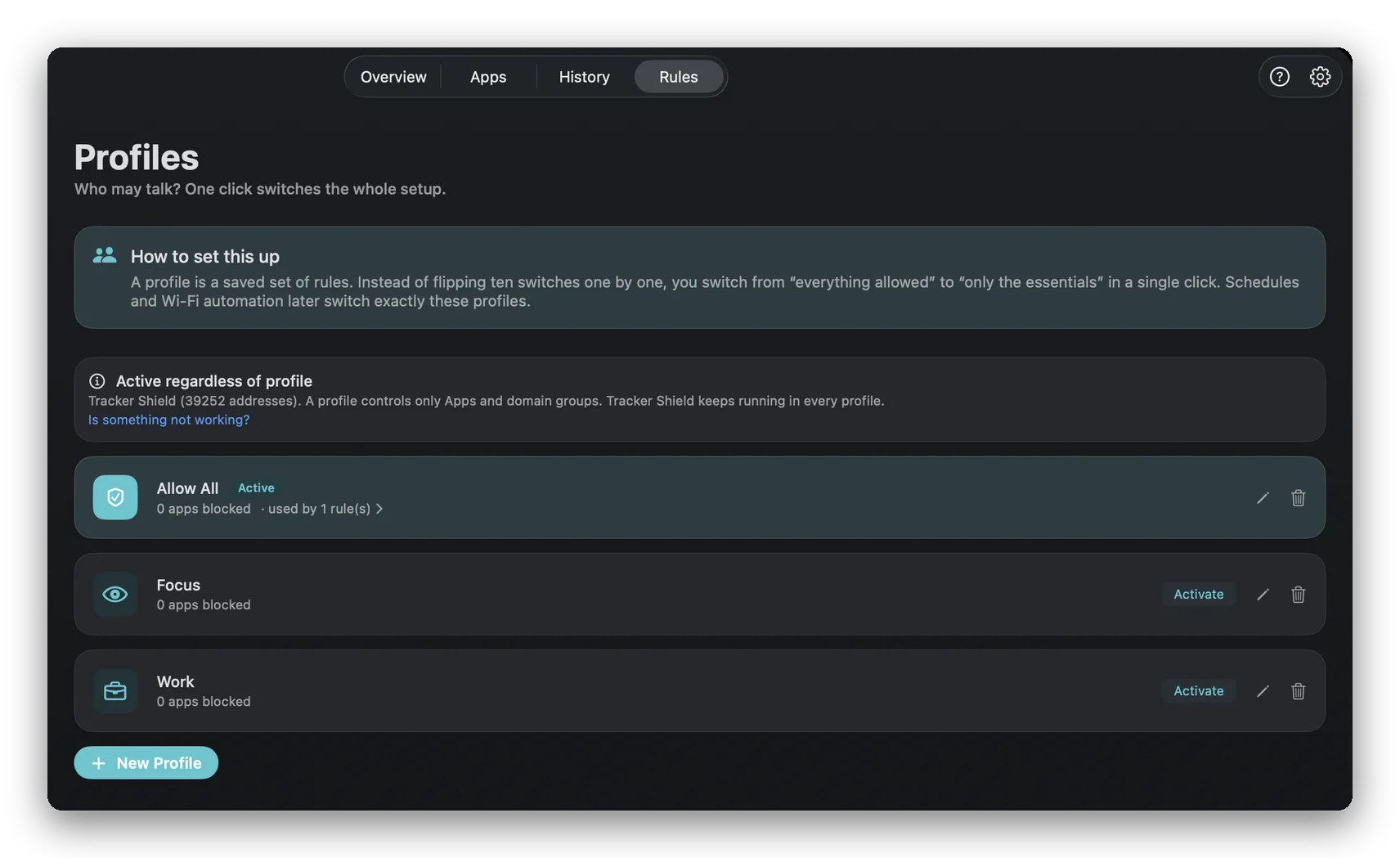
NetMute switches to your stricter profile for this network, and the apps you blocked in it stay offline.
Custom profiles are part of Pro
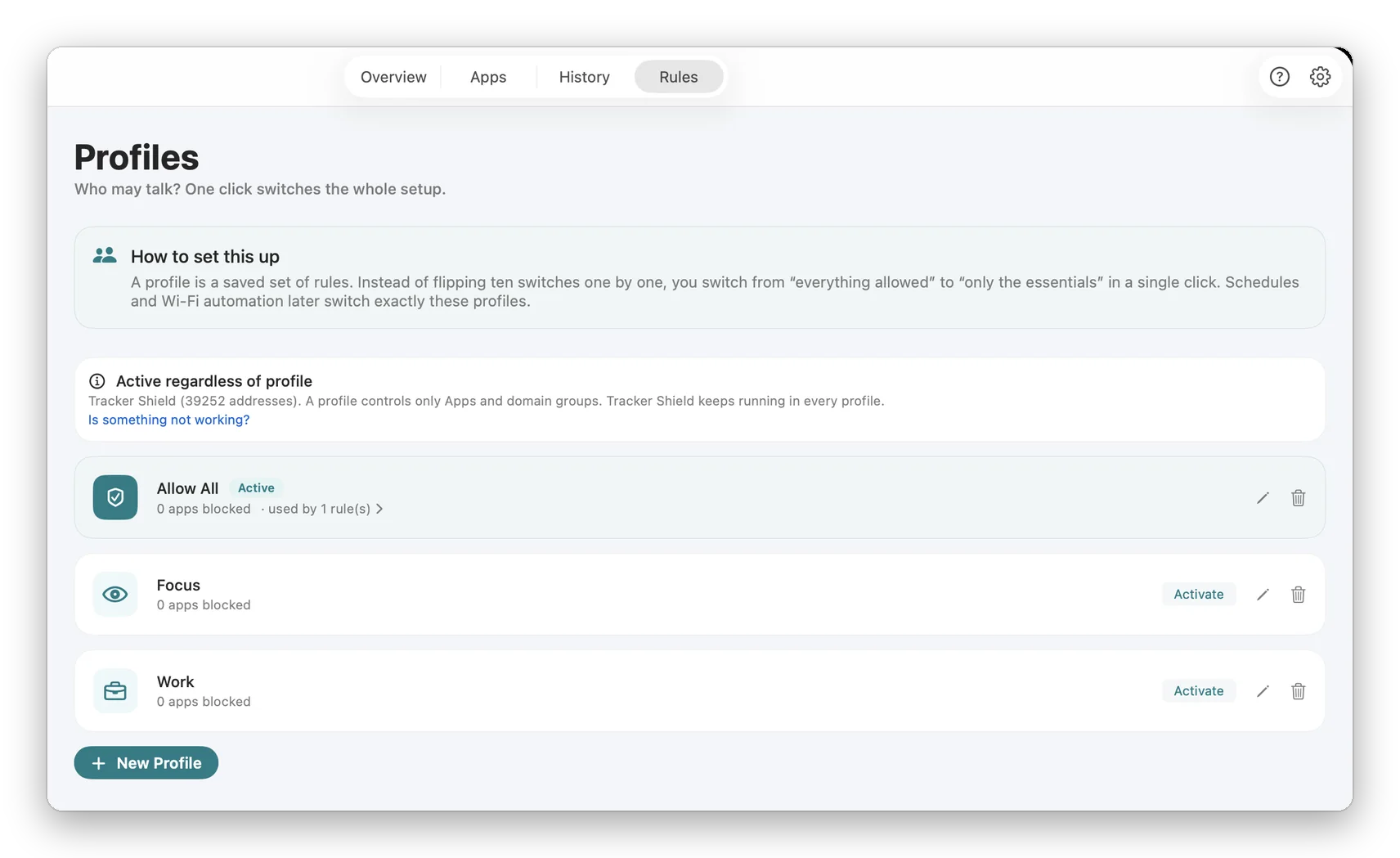
How network profiles work

The picture keeps freezing while cloud sync and updaters share the same thin line with your call.
One click on your Work profile and the apps you blocked in it stay offline until you switch back. NetMute can't add bandwidth, but your background apps stop using it.
Custom profiles are part of Pro
How network profiles work

The list is full of names you never installed. An hour of forum threads later you know as much as before.
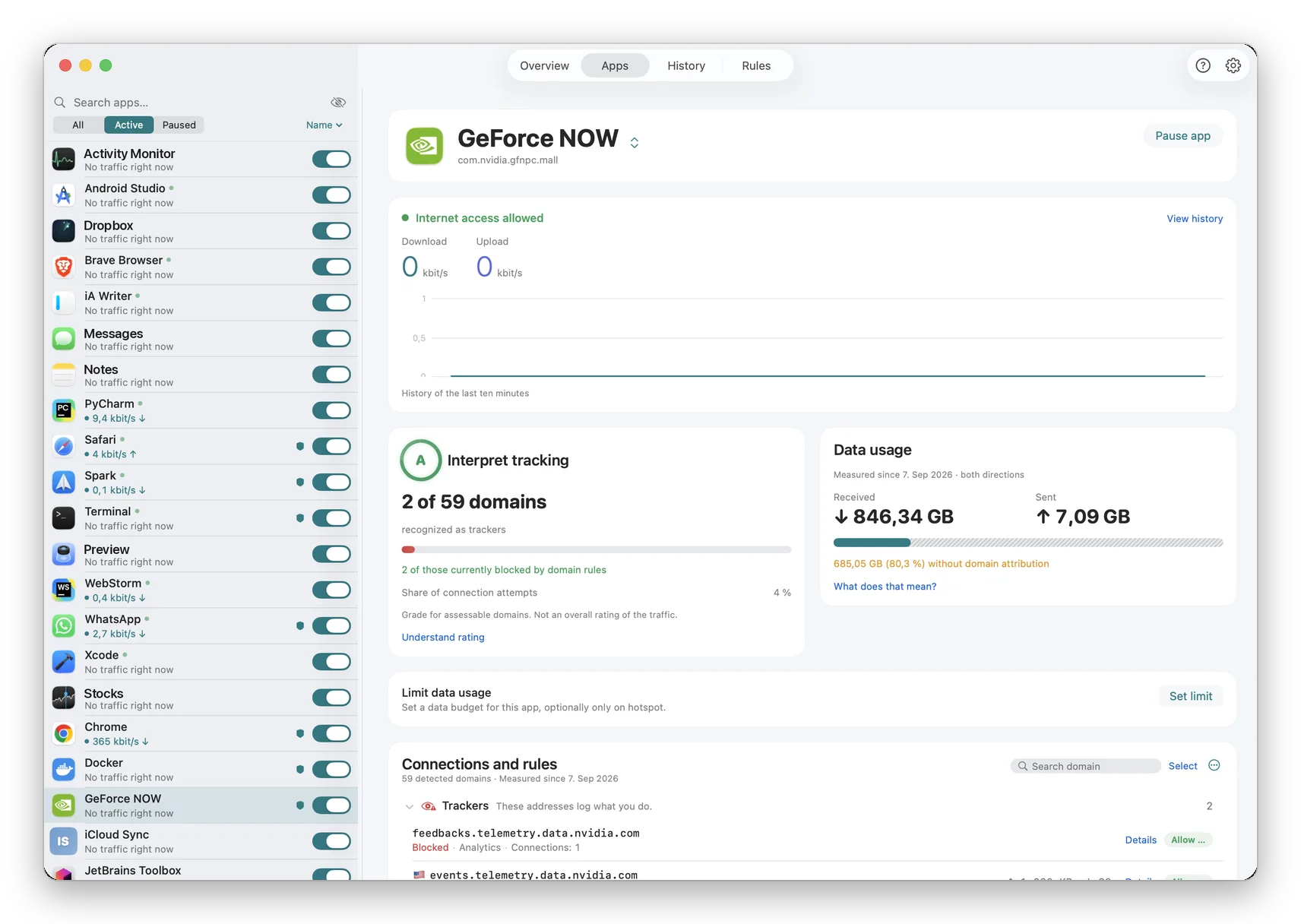
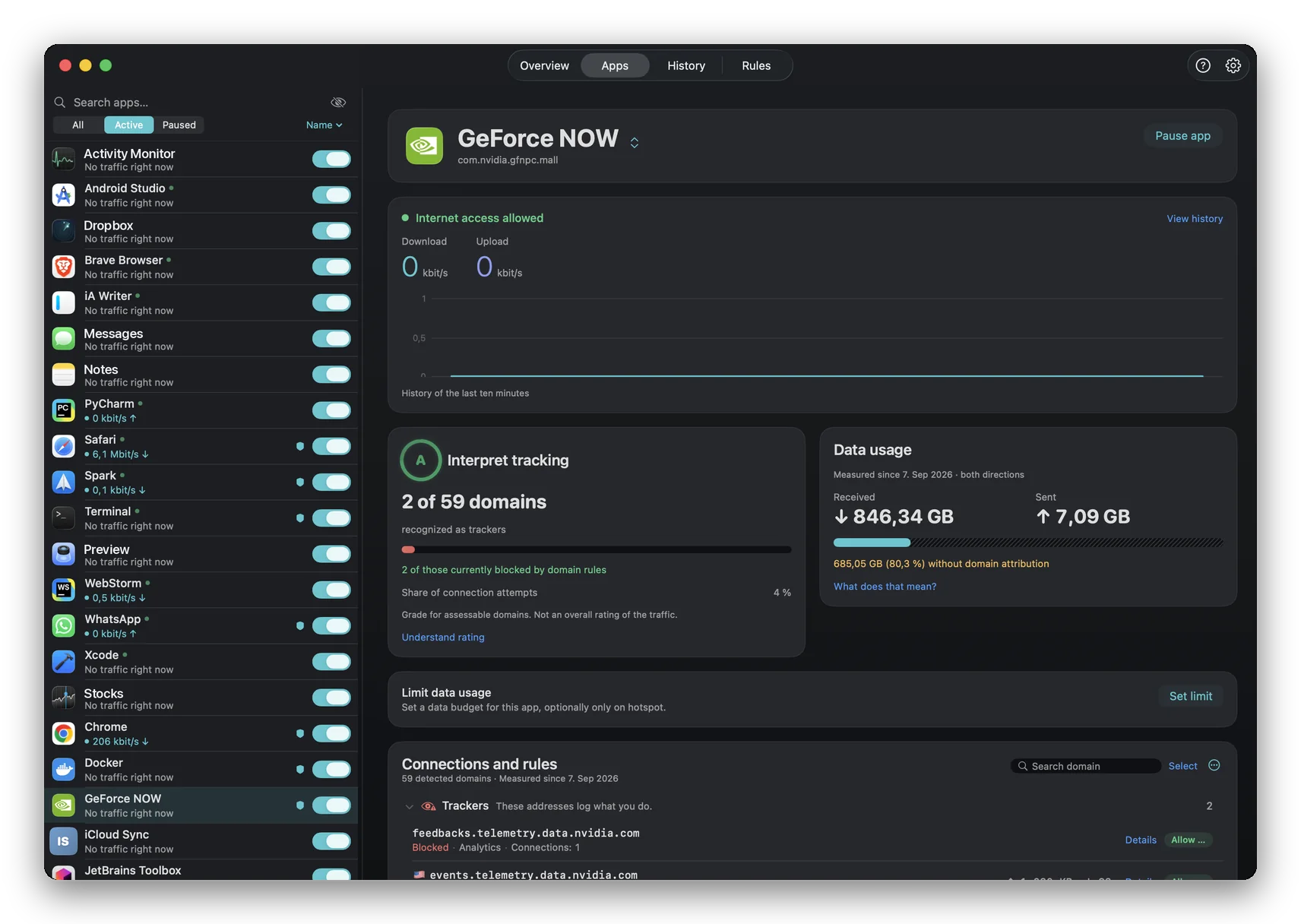
NetMute shows for each app which domains it talks to and which of them are trackers. What you don't want, you block.
Looking is free, blocking from X-Ray needs Pro
How App X-Ray worksStaged scene, made with AI. Figures are examples.
016 件の質問
macOS の標準ファイアウォールは「受信」のみを制御します。アプリが「送信」するデータ(広告・分析・テレメトリ)は素通りです。本ガイドでは、標準設定の手順と、送信側を補うアプリ制御方法を解説します。
028 件の質問
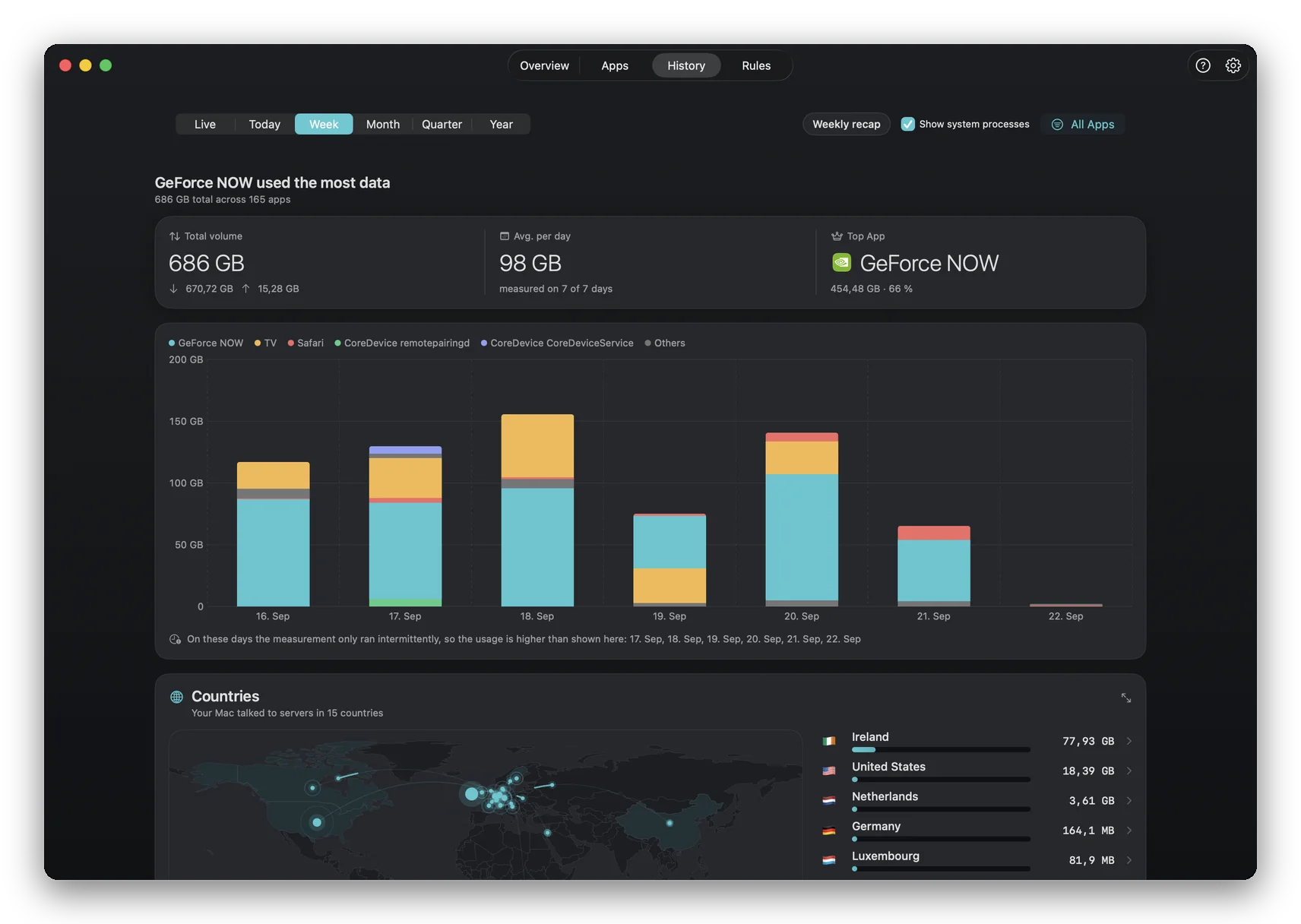
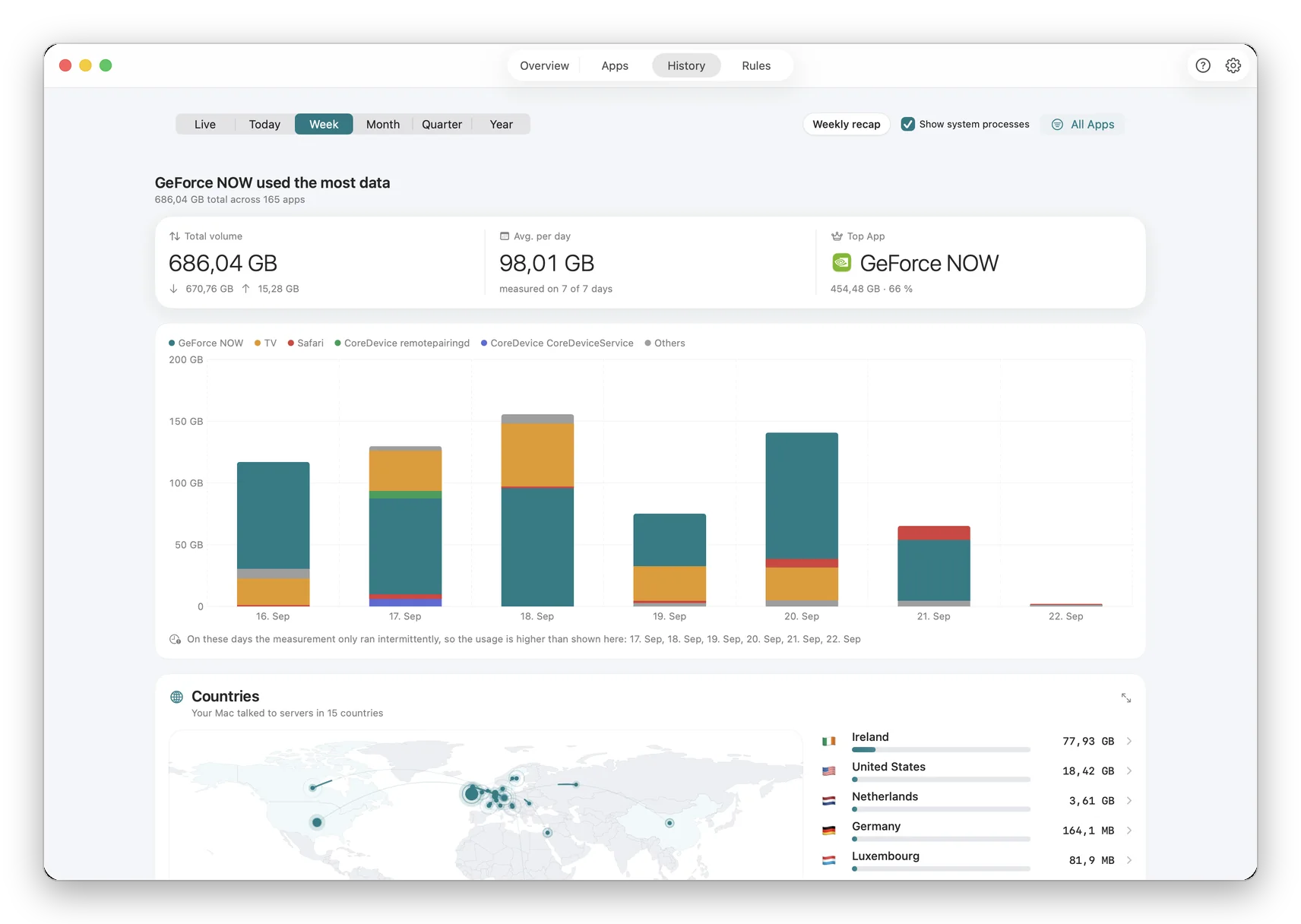
今この瞬間も、Mac 上のアプリは聞いたこともないサーバーへデータを送信しています。アナリティクス、広告、テレメトリ、同期。macOS にはそれを確認する手段がありません。本ガイドでは、すべての送信通信をリアルタイムに見る方法を解説します。どのアプリが、どの会社へ、どの国へ通信しているのかが分かります。
037 件の質問
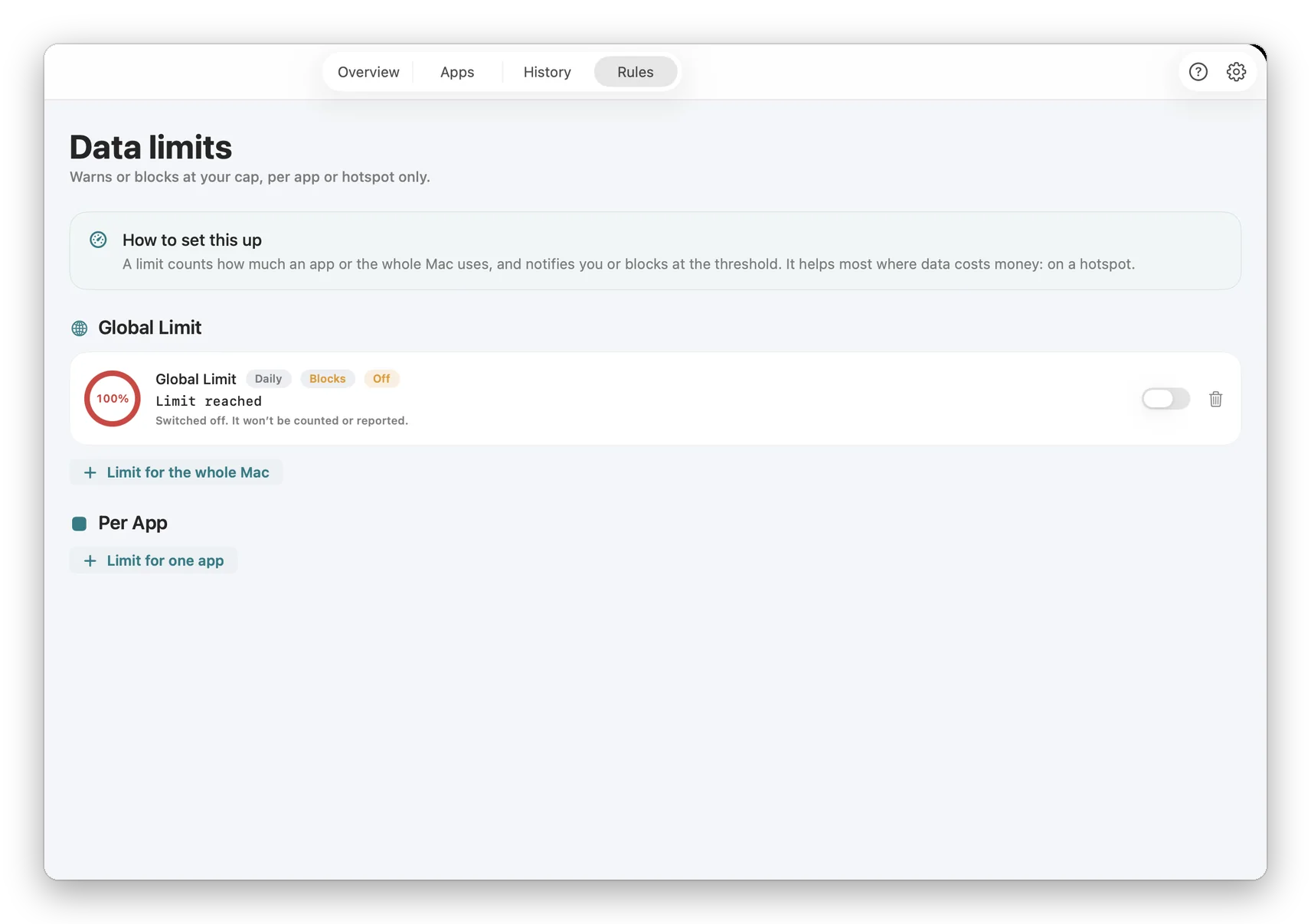
電車、スマホのテザリング、ホテルの Wi-Fi では、帯域はわずかで多くの人と共有されています。それなのに Mac は、クラウド同期、アップデート、バックアップ、テレメトリをバックグラウンドで動かして帯域を消費します。これらをアプリごとに遮断すれば、実際に使っている作業がすべて速くなります。
外出先で
NetMuteはテザリングを検知すると、選んだアプリを一時停止し、通信量を1メガバイト単位で数えます。ホットスポットから離れると、すべて元どおりに戻ります。

NetMuteをダウンロードして、アプリが実際に何をしているかを確認しましょう。
期間制限なしで無料 · Pro ¥2,000(買い切り)