NetMute
01질문 6개
맥 방화벽
macOS 기본 방화벽은 외부에서 Mac으로 들어오는 통신만 막습니다. 앱이 Mac에서 외부로 보내는 광고·분석·텔레메트리 데이터는 그대로 흘러갑니다. 이 페이지는 그 빈틈을 무료로 메우는 방법을 다룹니다.
- macOS 기본 방화벽은 어떻게 켜나요?
- 왜 macOS에는 송신 방화벽이 없나요?
- NetMute는 VPN인가요?
가이드
각 가이드는 시작부터 끝까지 하나의 질문에 답합니다: 인터넷에서 앱을 차단하는 방법, Mac이 데이터를 어디로 보내는지 확인하는 방법, 앱별 트래픽을 관찰하는 방법. 스크린샷과 함께 제공되며, NetMute의 무료 버전이 대부분을 다룹니다.
기간 제한 없이 무료 · Pro ₩22,000 한 번 결제
The same moment, without and with NetMute. Just keep scrolling.


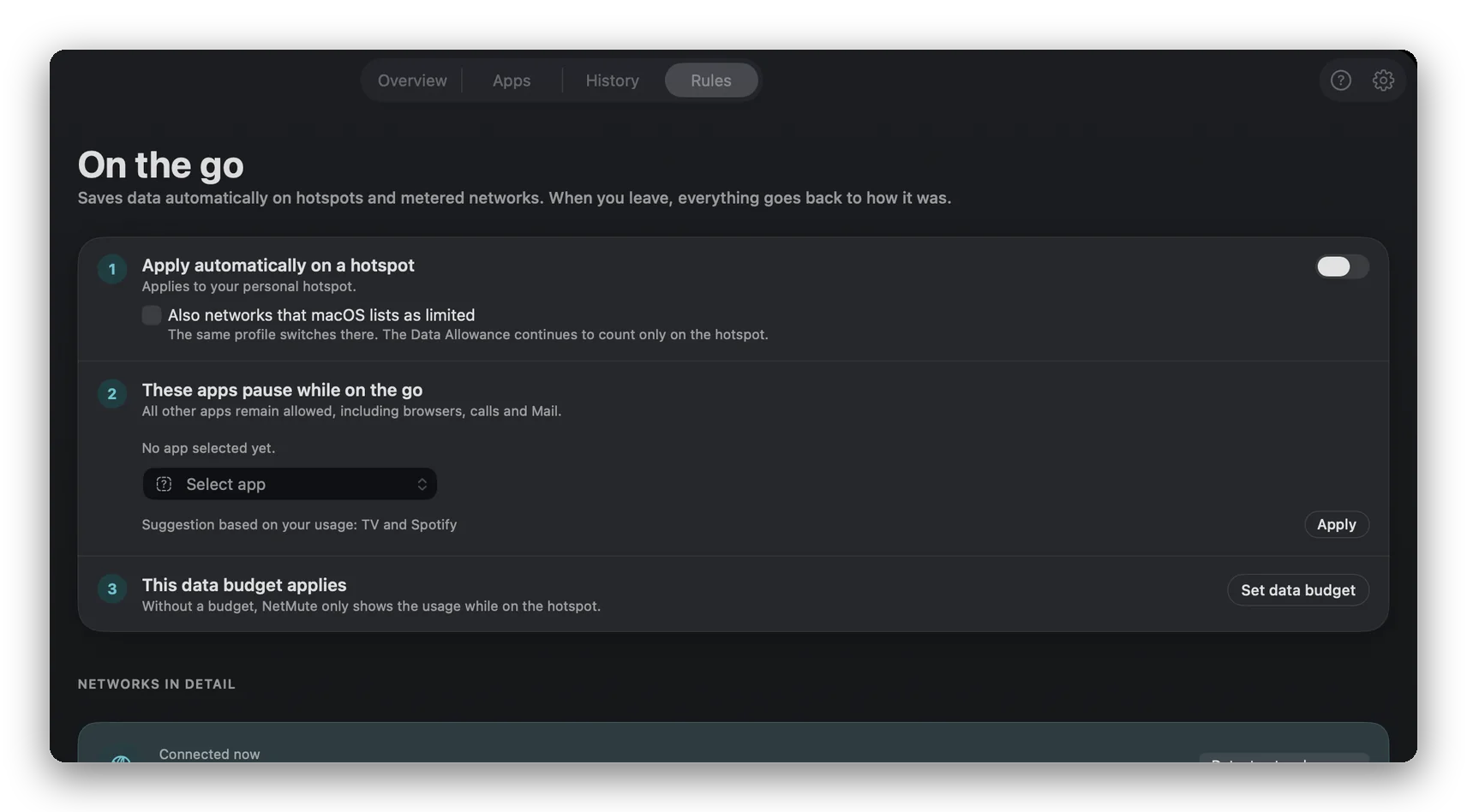
An hour into the trip and most of your monthly data is gone. Your Mac thinks the hotspot is regular Wi-Fi, so cloud sync, photo upload and updaters run as if you were home.
NetMute notices the hotspot and pauses the apps you chose. A data budget keeps count, and back on Wi-Fi your usual rules return.
Hotspot protection is part of Pro
How hotspot protection works

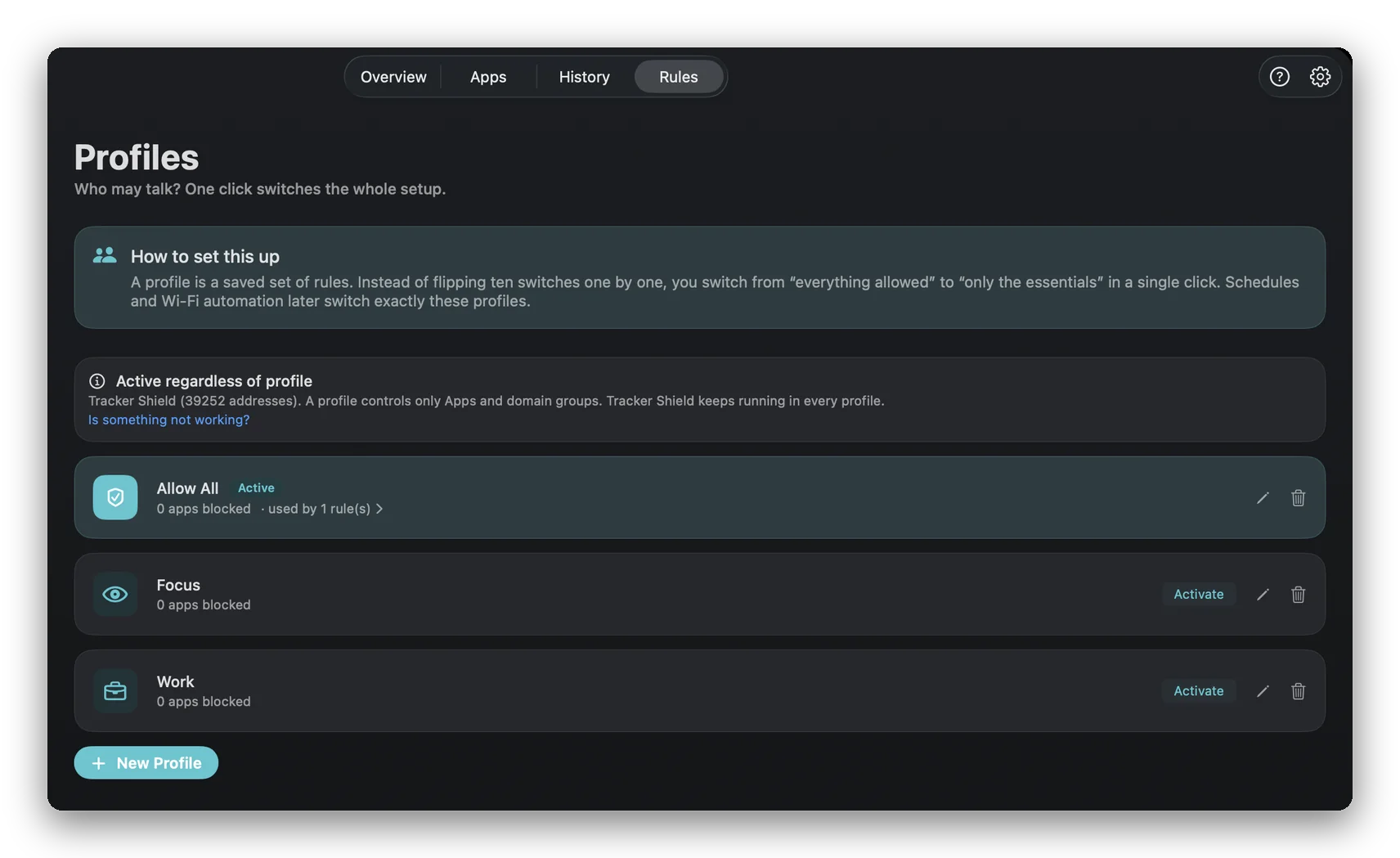
You type in the password from the key card, and every app starts talking at once.
NetMute switches to your stricter profile for this network, and the apps you blocked in it stay offline.
Custom profiles are part of Pro
How network profiles work

The picture keeps freezing while cloud sync and updaters share the same thin line with your call.
One click on your Work profile and the apps you blocked in it stay offline until you switch back. NetMute can't add bandwidth, but your background apps stop using it.
Custom profiles are part of Pro
How network profiles work

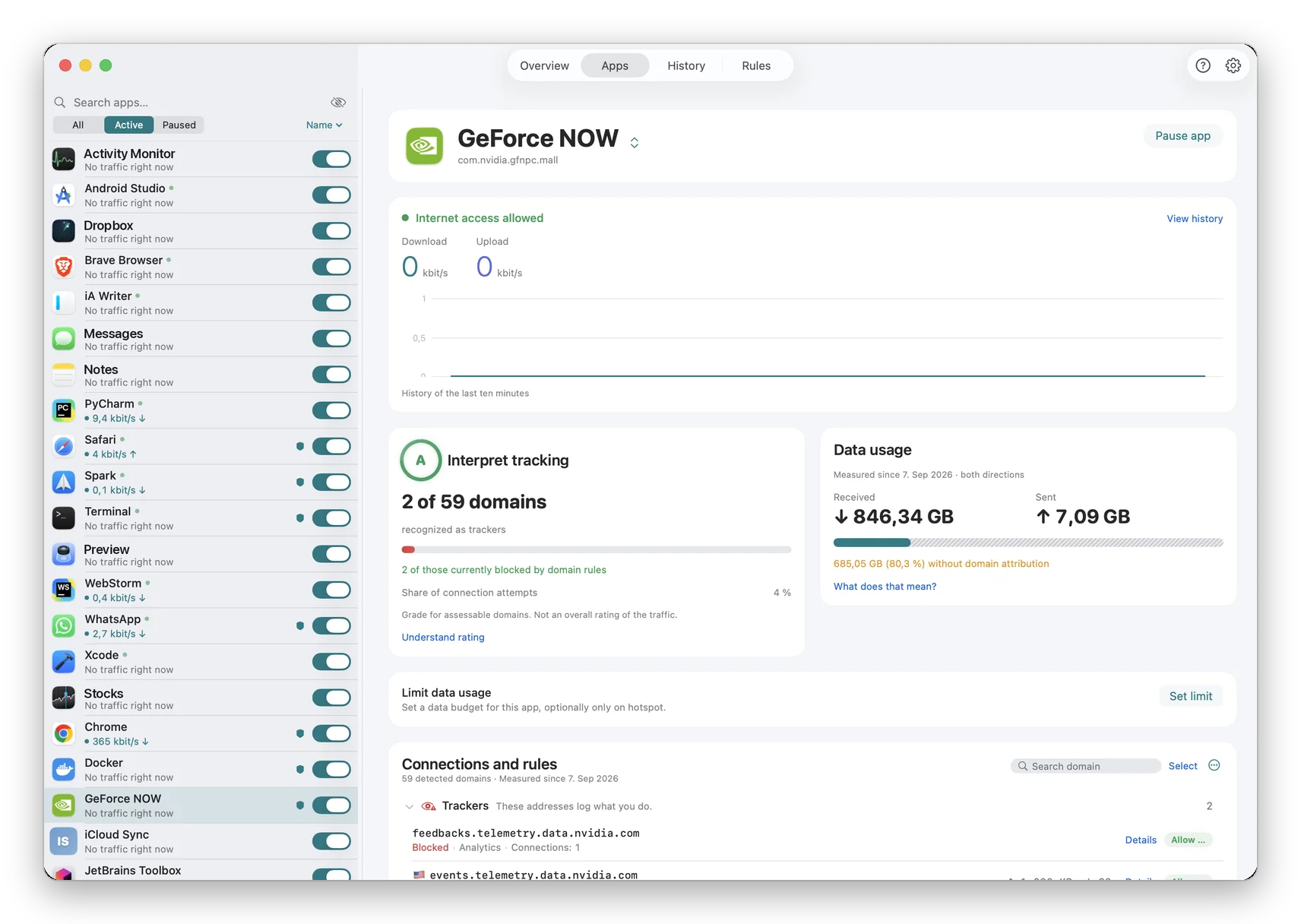
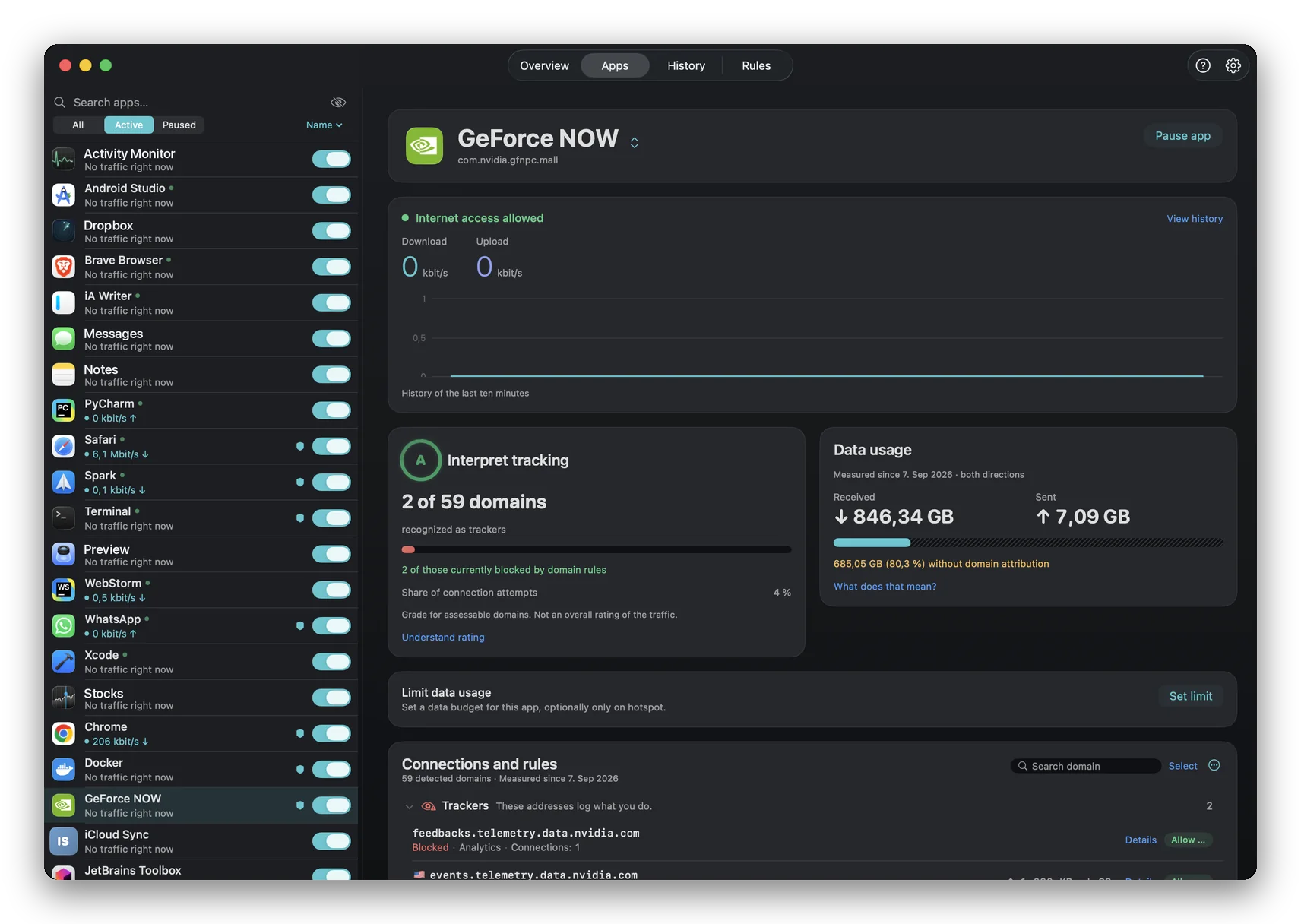
The list is full of names you never installed. An hour of forum threads later you know as much as before.
NetMute shows for each app which domains it talks to and which of them are trackers. What you don't want, you block.
Looking is free, blocking from X-Ray needs Pro
How App X-Ray worksStaged scene, made with AI. Figures are examples.
01질문 6개
macOS 기본 방화벽은 외부에서 Mac으로 들어오는 통신만 막습니다. 앱이 Mac에서 외부로 보내는 광고·분석·텔레메트리 데이터는 그대로 흘러갑니다. 이 페이지는 그 빈틈을 무료로 메우는 방법을 다룹니다.
02질문 8개
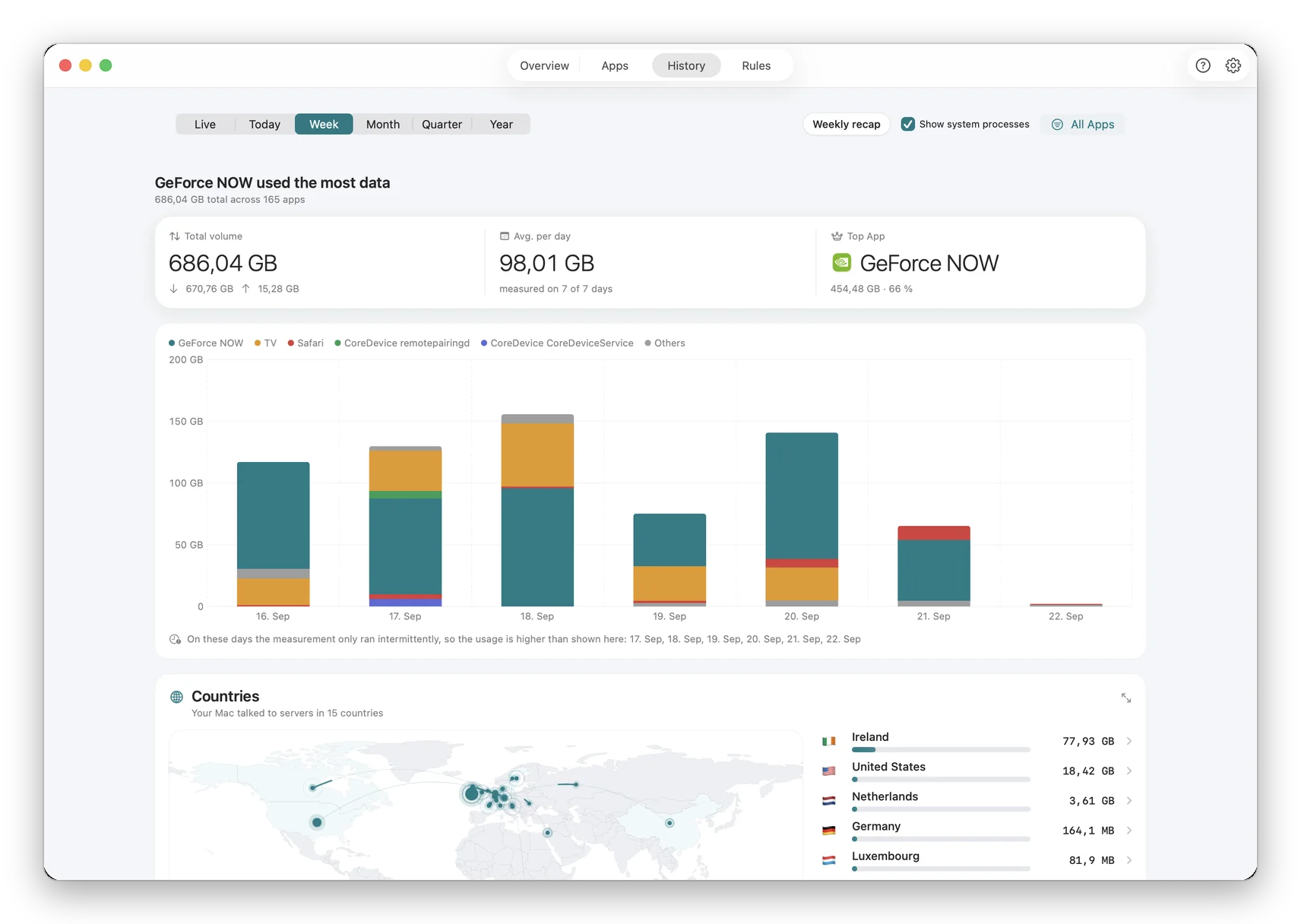
지금 이 순간에도 Mac의 앱들은 한 번도 들어본 적 없는 서버로 데이터를 보내고 있어요. 분석, 광고, 텔레메트리, 동기화 같은 것들이죠. macOS는 이를 볼 수 있는 방법을 전혀 제공하지 않습니다. 이 가이드에서는 어떤 앱이, 어떤 회사가, 어떤 국가로 보내는지 모든 외부 연결을 실시간으로 지켜보는 방법을 보여 드려요.
03질문 7개
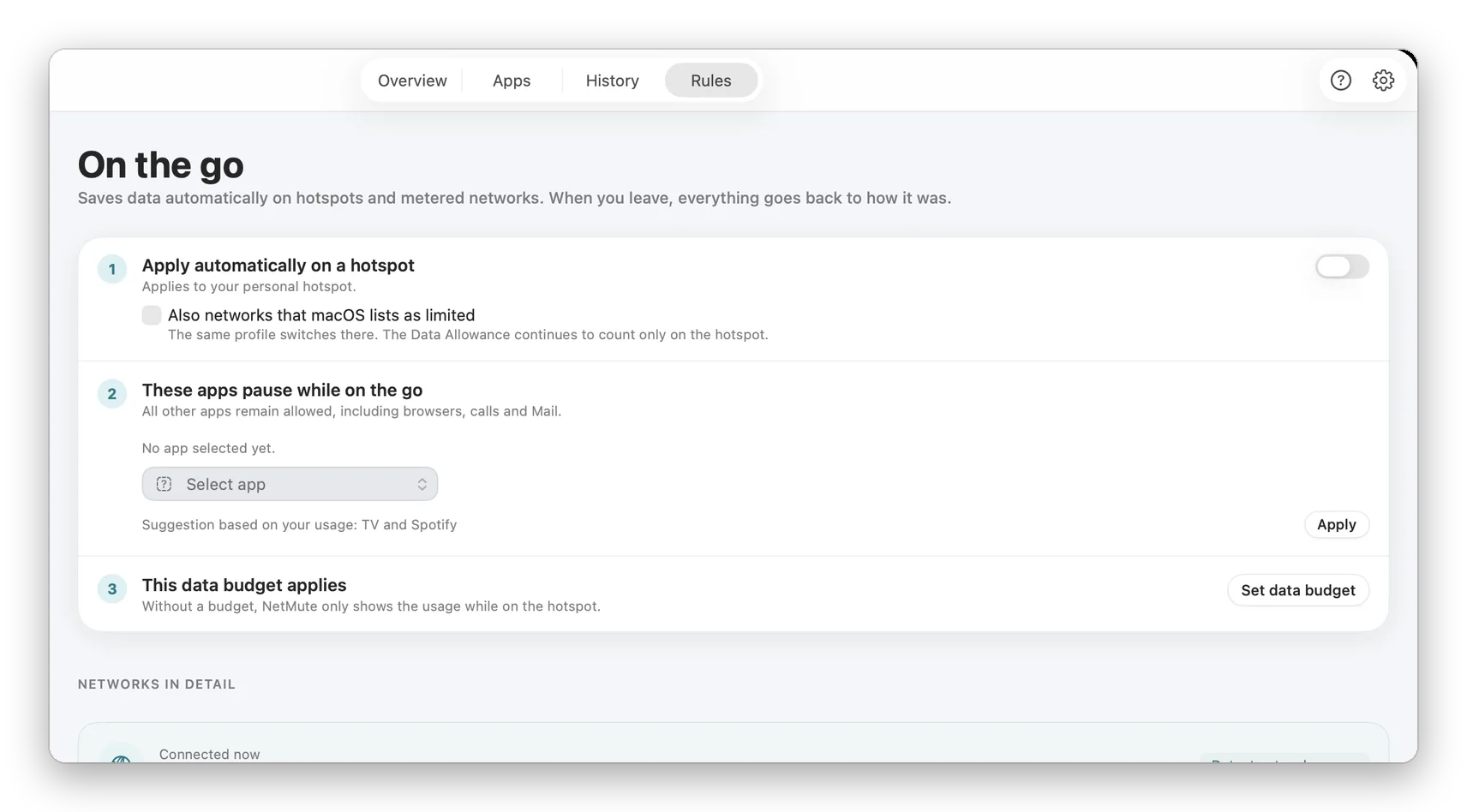
기차, 휴대폰 핫스팟, 호텔 Wi-Fi에서는 대역폭이 작고 여러 사람이 나눠 씁니다. 그런데 Mac은 백그라운드에서 클라우드 동기화, 업데이트, 백업, 텔레메트리에 그 대역폭을 써버립니다. 이런 앱을 앱별로 차단하면 지금 실제로 하는 작업이 모두 빨라집니다.
이동 중
NetMute는 테더링을 감지하면 선택한 앱을 일시 정지하고, 쓰는 데이터를 메가바이트 단위까지 셉니다. 핫스팟을 벗어나면 모든 것이 원래대로 돌아갑니다.
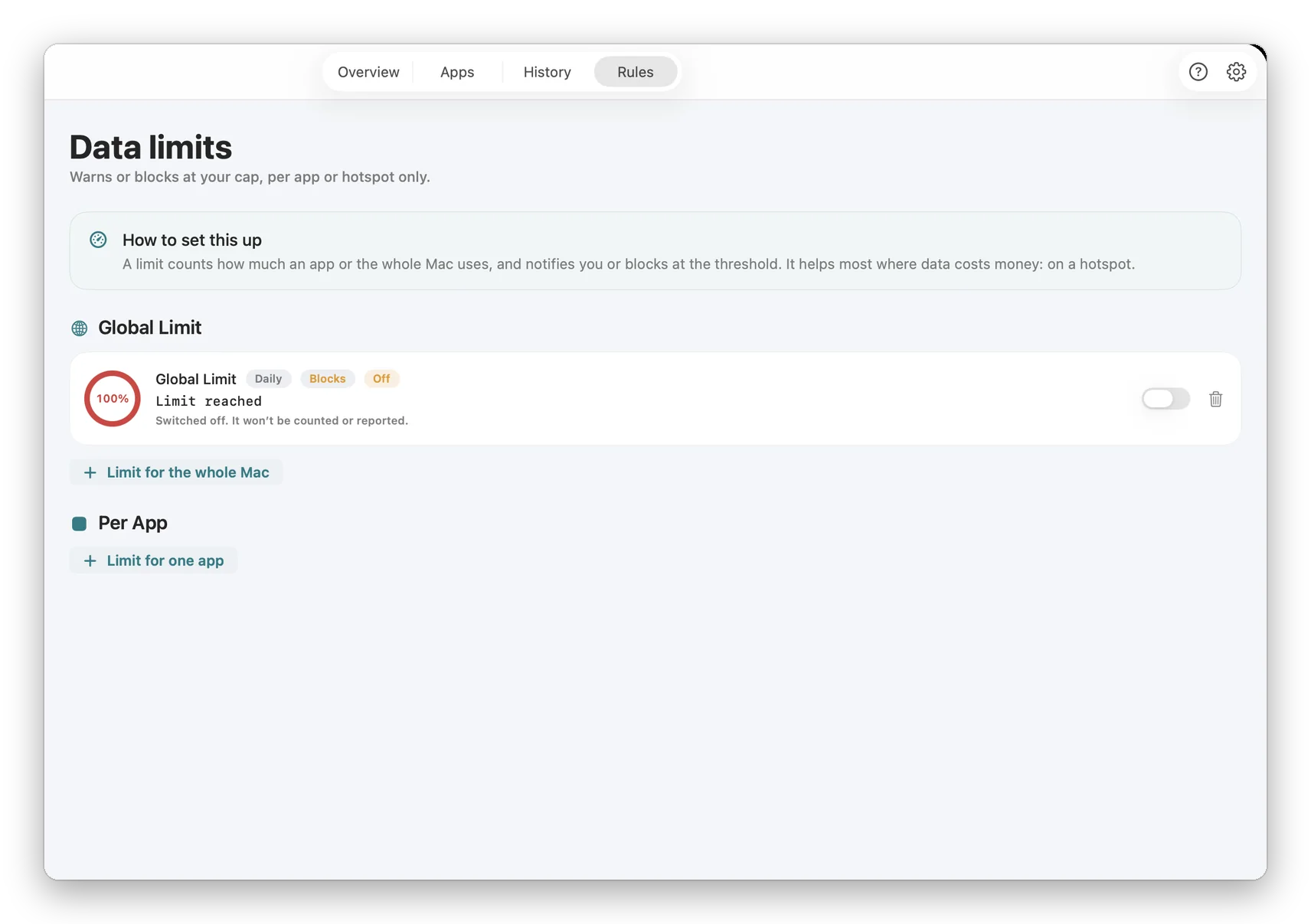
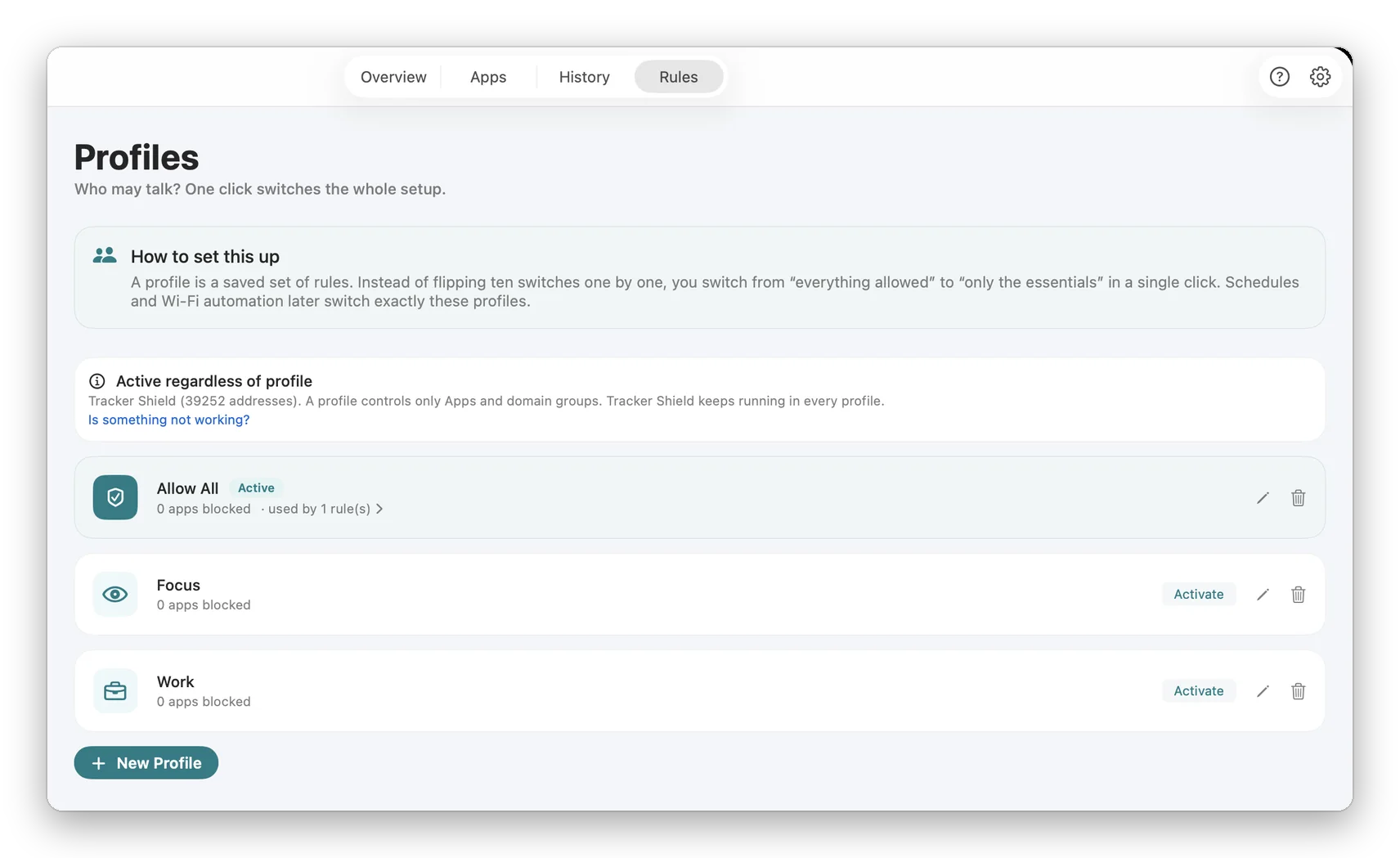

NetMute를 다운로드하고 앱이 실제로 하는 일을 확인하세요.
기간 제한 없이 무료 · Pro ₩22,000 한 번 결제