Ogni guida risponde a una domanda dall'inizio alla fine: come bloccare un'app da internet, come vedere dove il tuo Mac invia dati, come monitorare il traffico per app. Con screenshot, e la versione gratuita di NetMute copre la maggior parte di esse.
Gratis senza limiti di tempo · Pro 14,99 € una tantum
Where's your Mac right now?
The same moment, without and with NetMute. Just keep scrolling.
Without NetMute
On a train, on your phone's hotspot
An hour into the trip and most of your monthly data is gone. Your Mac thinks the hotspot is regular Wi-Fi, so cloud sync, photo upload and updaters run as if you were home.
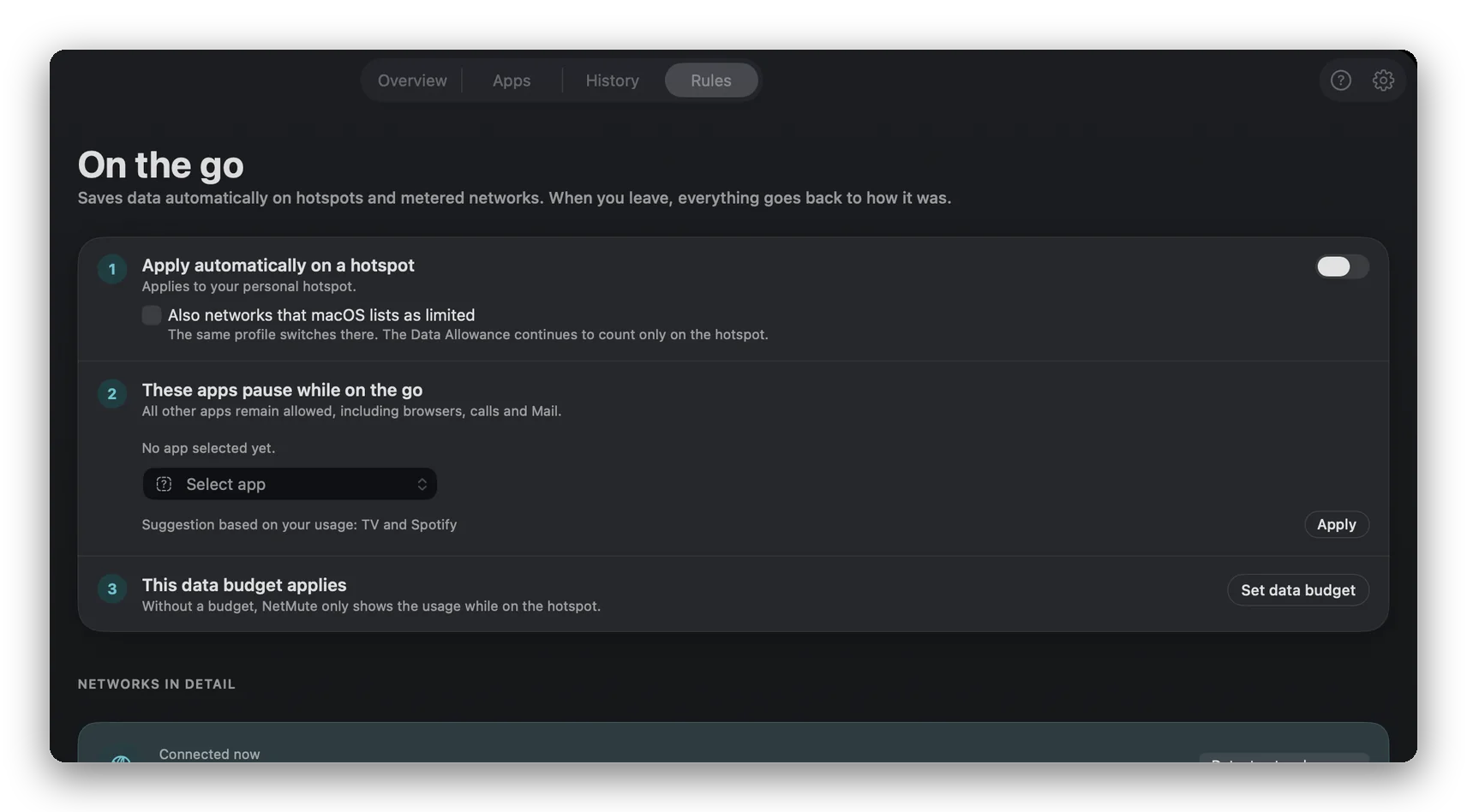
NetMute notices the hotspot and pauses the apps you chose. A data budget keeps count, and back on Wi-Fi your usual rules return.
The picture keeps freezing while cloud sync and updaters share the same thin line with your call.
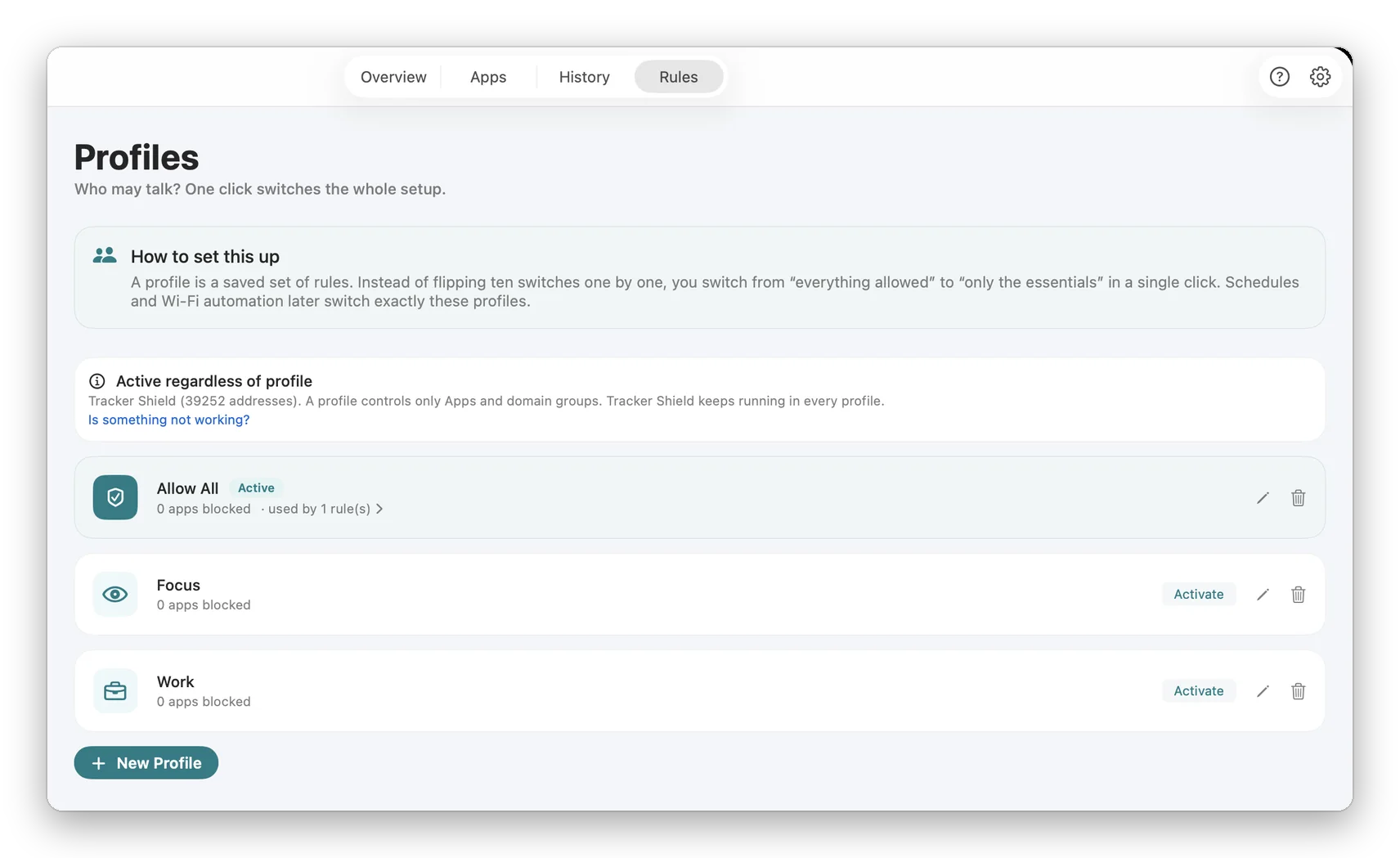
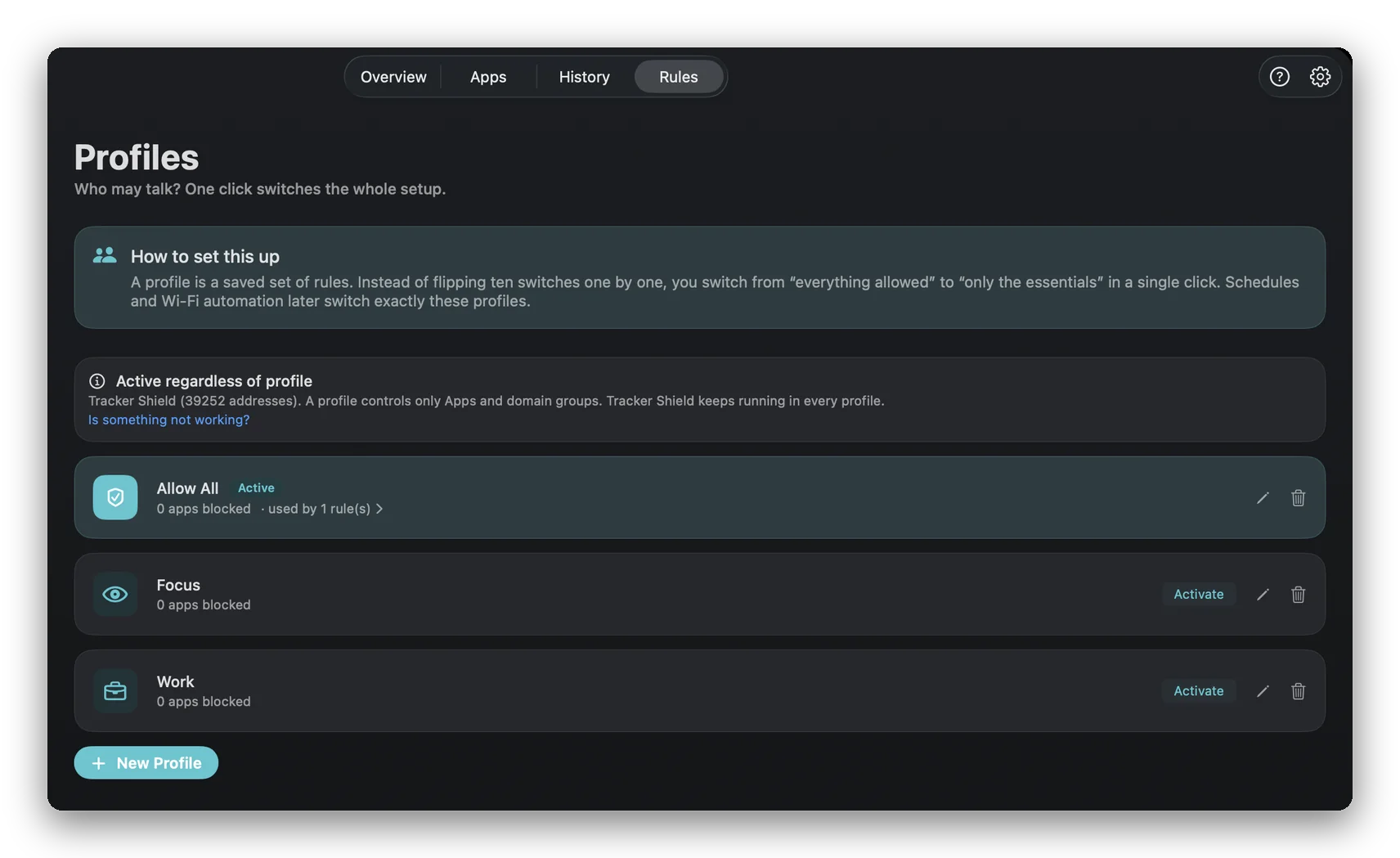
One click on your Work profile and the apps you blocked in it stay offline until you switch back. NetMute can't add bandwidth, but your background apps stop using it.
Il firewall integrato di macOS filtra le connessioni in entrata. Le connessioni in uscita — ciò che le tue app inviano in background — passano senza controllo. Ecco come colmare il vuoto, gratis.
?Come attivo il firewall integrato di macOS?
?Cos'è un firewall in uscita e perché macOS non ne include uno?
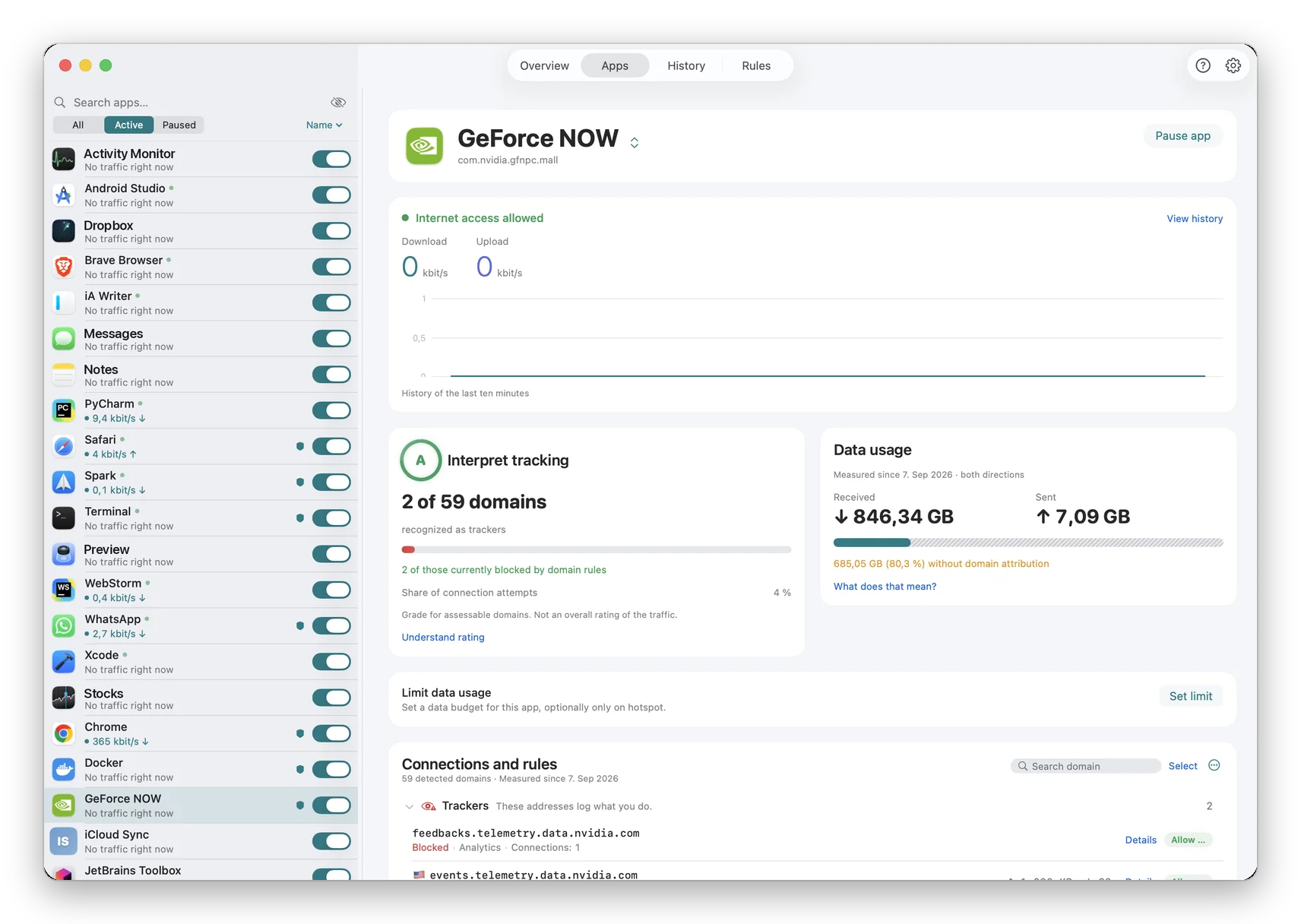
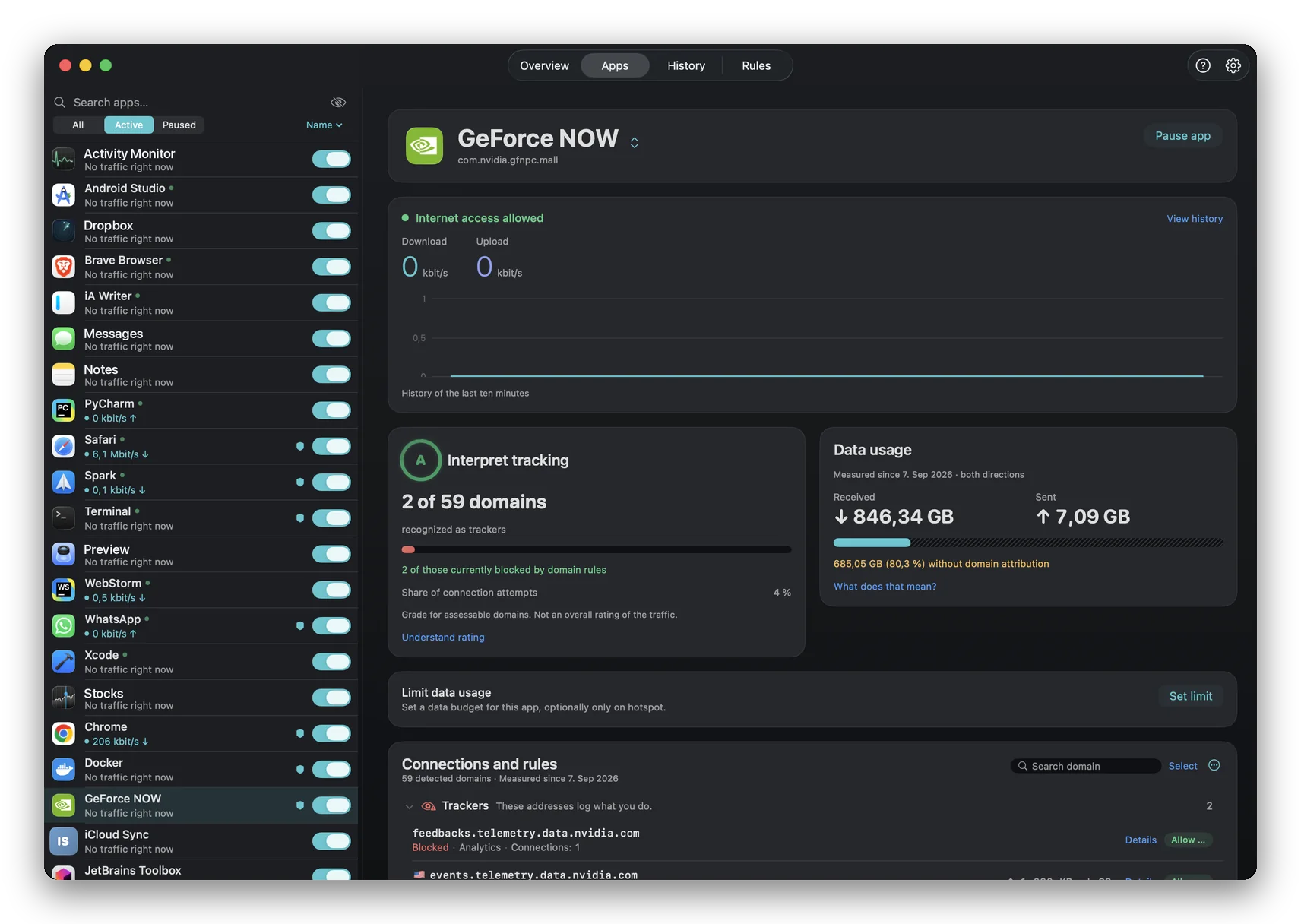
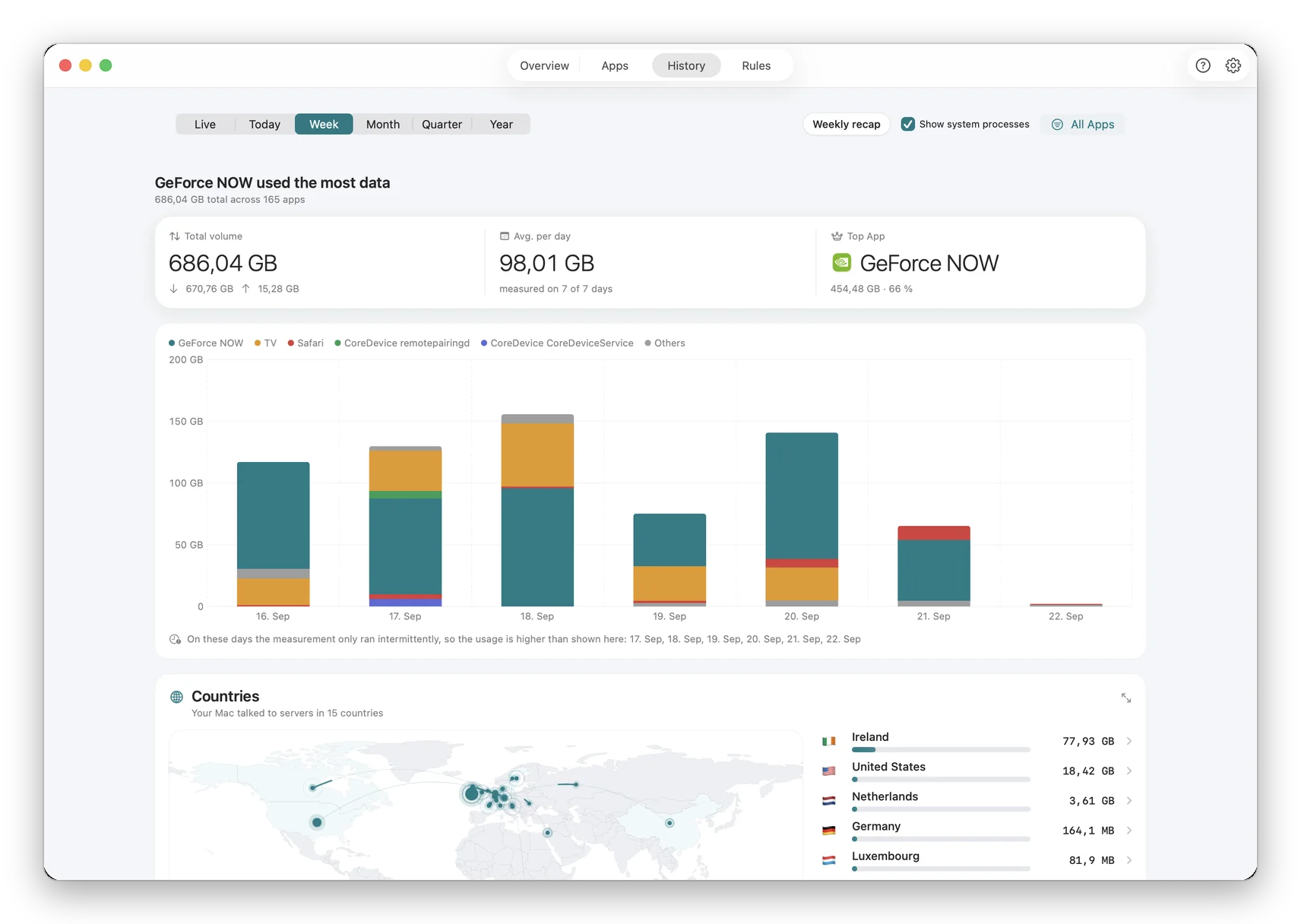
Proprio adesso le app sul tuo Mac stanno inviando dati a server di cui non hai mai sentito parlare: analisi, pubblicità, telemetria, sincronizzazione. macOS non ti dà alcun modo di vederlo. Questa guida ti mostra come osservare ogni connessione in uscita in tempo reale: quale app, quale azienda, quale paese.
?Posso vedere dove il mio Mac sta inviando dati?
?Questo mostra cosa c'è dentro i dati o solo dove vanno?
Su un treno, un hotspot o il Wi-Fi di un hotel la tua banda è poca e condivisa — e il Mac la spende in sincronizzazioni cloud, aggiornamenti, backup e telemetria che girano in background. Bloccali app per app e tutto ciò che stai davvero facendo diventa più veloce.
?Bloccare le app rende davvero più veloce internet?
?Quali app dovrei bloccare su un treno o un hotspot?
?È la stessa cosa di TripMode?
Leggi la guida
In viaggio
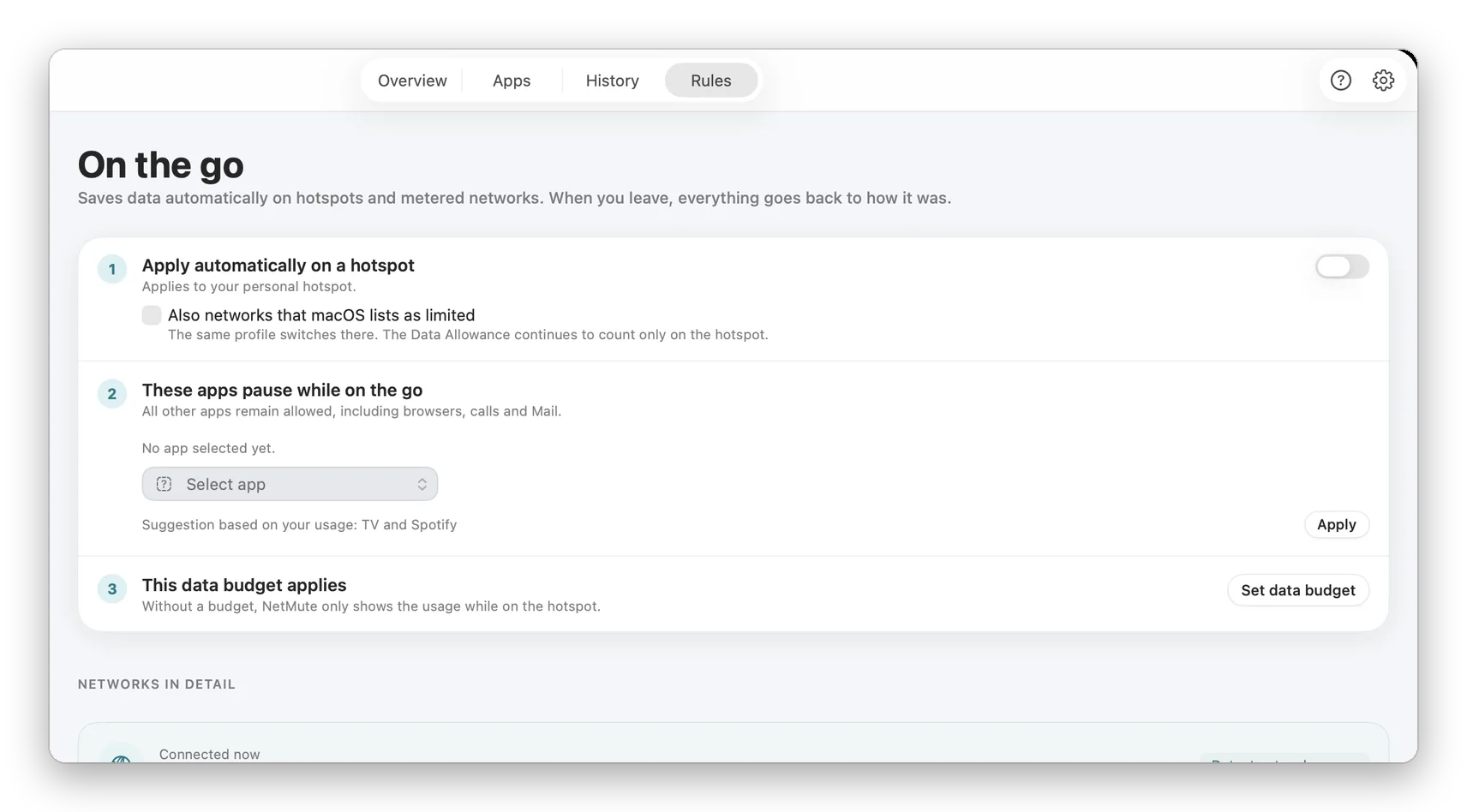
Su un hotspot, il tuo Mac risparmia dati da solo.
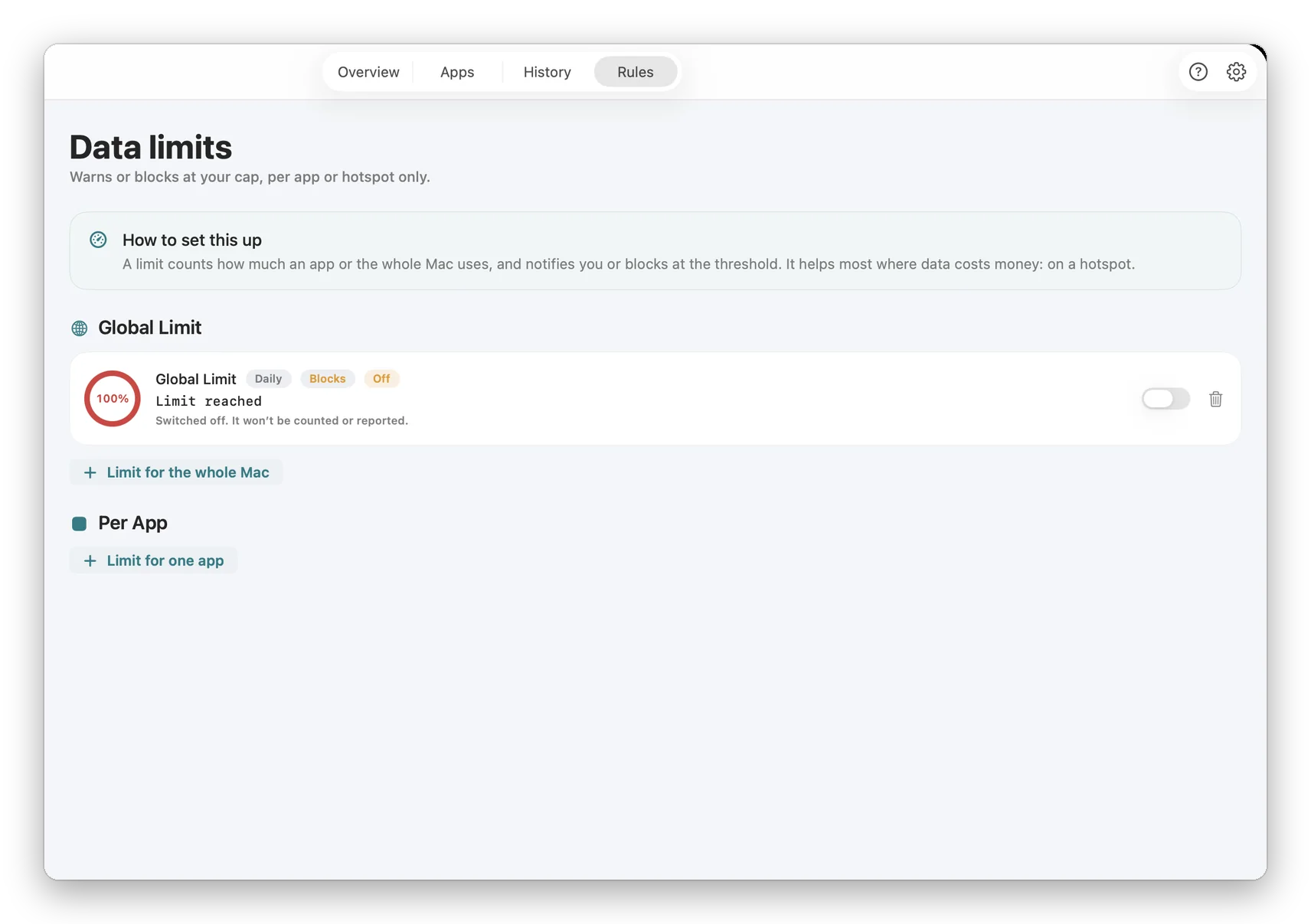
NetMute si accorge quando ti colleghi all’hotspot del telefono, mette in pausa le app che hai scelto e conta ogni megabyte. Quando lasci l’hotspot, tutto torna com’era.
Pronto a prendere il controllo?
Scarica NetMute e scopri cosa fanno davvero le tue app.
 NetMute