 NetMute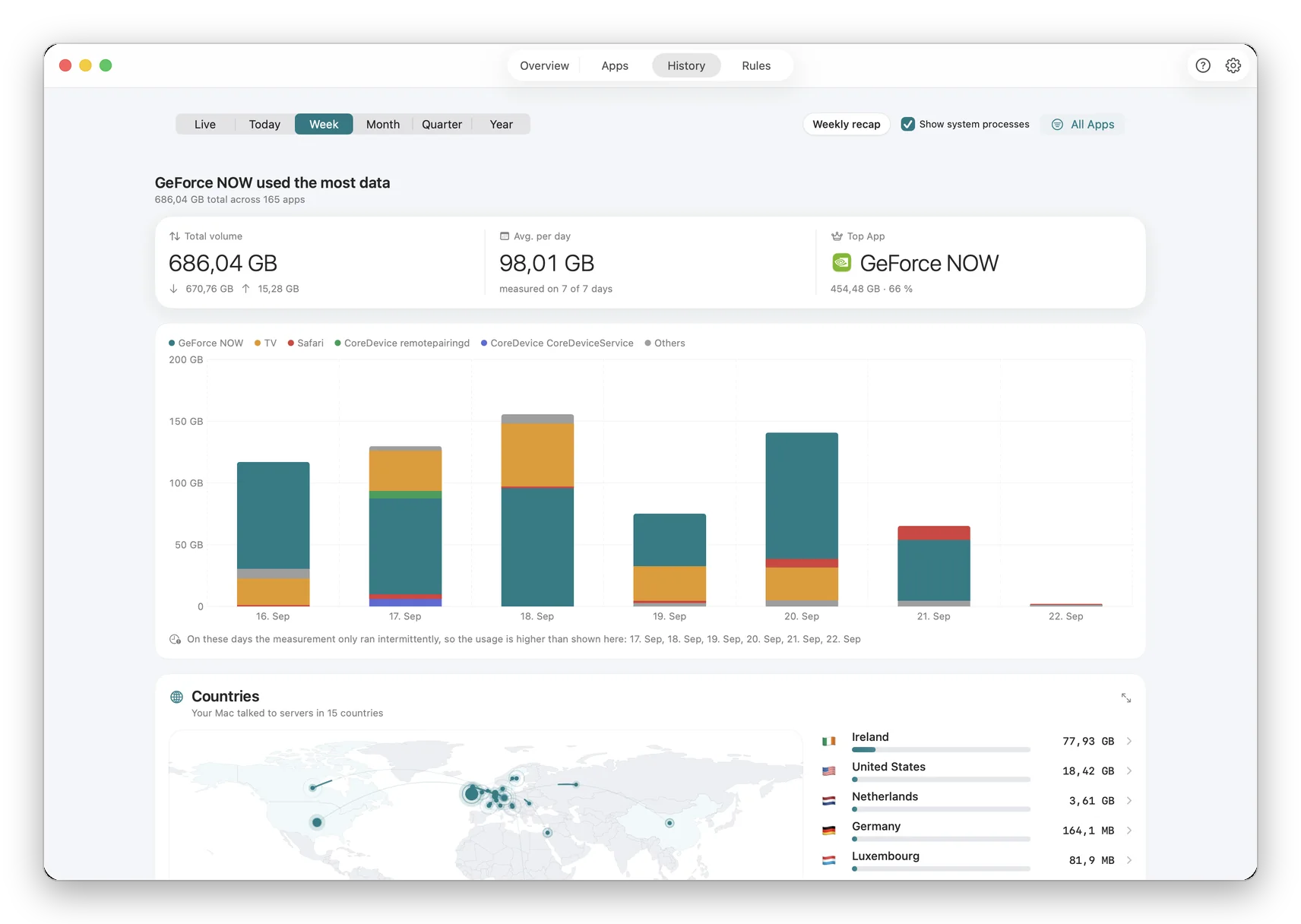
Understand your Mac's network behavior over time
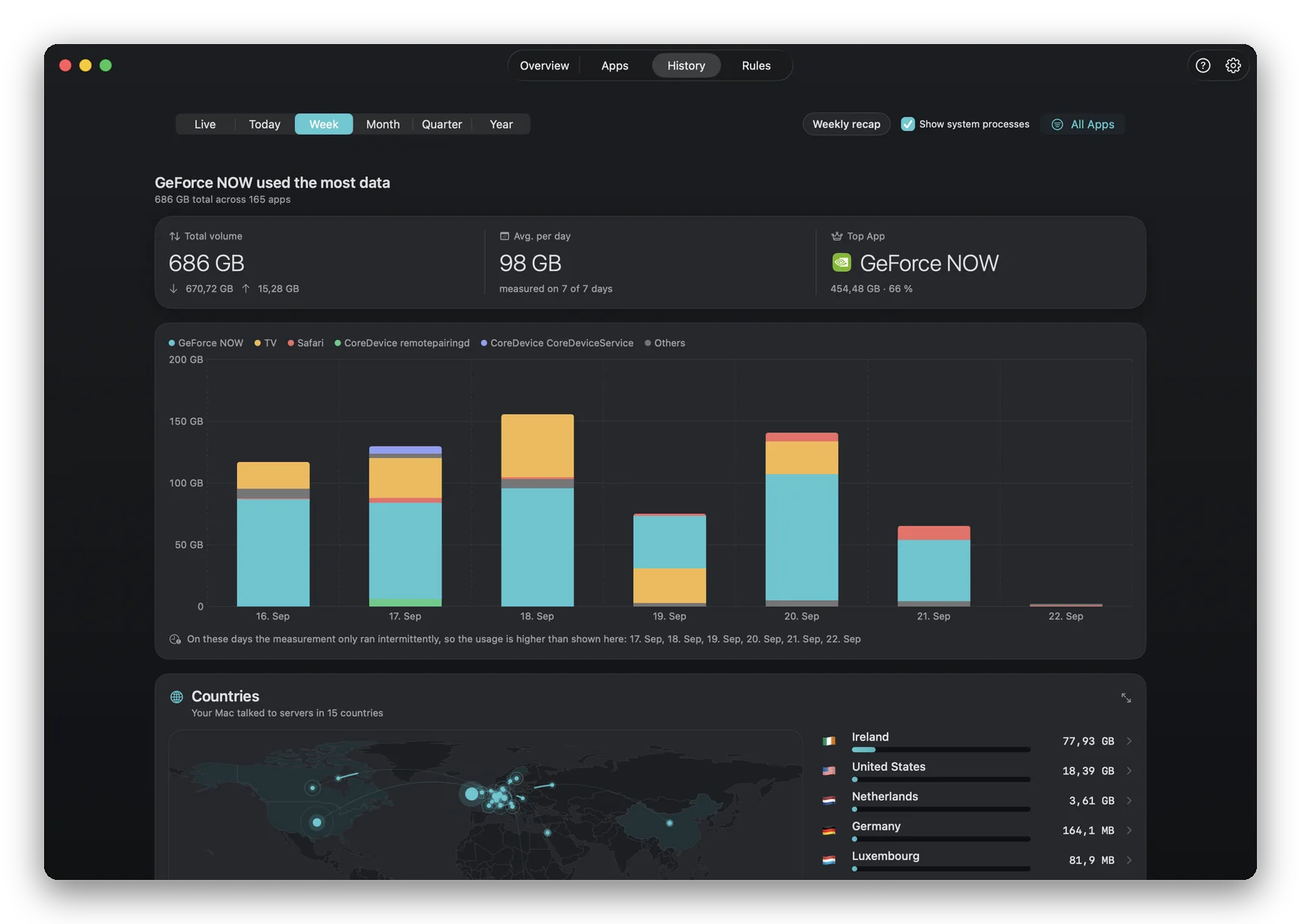
Real-time monitoring shows you what's happening now. Reports show what has happened over time. How much data has Chrome used this month compared to last? Which app has significantly increased its network activity? Are blocked apps trying to reconnect? Network reports answer these questions with clear data.
How network reports are created
NetMute continuously logs network activity in the background. At daily, weekly or monthly intervals, this data is summarized into structured reports. Each report includes: total data (upload/download), top apps by data usage, most contacted domains, and trend comparisons.
How far back reports reach is a setting rather than a fixed 90 days: 3 months, 6 months, 1 year or 2 years, with one year as the default. NetMute keeps daily totals for the whole window, on your Mac, and asks before it shortens it, because that step deletes irreversibly.
When reports make a difference
Monthly reports could reveal that a background app's data usage has tripled, a sign of an update, a bug, or unwanted behavior. Weekly reports help identify patterns. Exported reports provide evidence-based insights for IT admins. The weekly summary arrives as a notification rather than as something you have to remember to open: what moved, which app moved most, and how that compares with the week before.
Why reporting completes the picture
Monitoring without reporting is like a security camera without recording. You see the moment but lose the history. Reports create an audit trail of your Mac's network behavior and help you make informed decisions.
Key benefits
- Daily, weekly, and monthly summaries automatically generated
- Pro app data breakdown with trend comparisons
- Top domains and connection frequency analysis
- Export as PDF for documentation or CSV for analysis
- Blocked connection attempts logged for security review
Frequently Asked Questions about Network Reports
Can I schedule automatic reports?
Yes. Configure daily, weekly, or monthly report generation. Reports are stored locally and can be viewed at any time.
Which export formats are supported?
Reports can be exported as PDF for sharing and documentation, or as CSV for further analysis in spreadsheet programs like Excel or Numbers.
How far back do report data go?
As far as you want. NetMute stores network logs locally with configurable retention periods.