 NetMute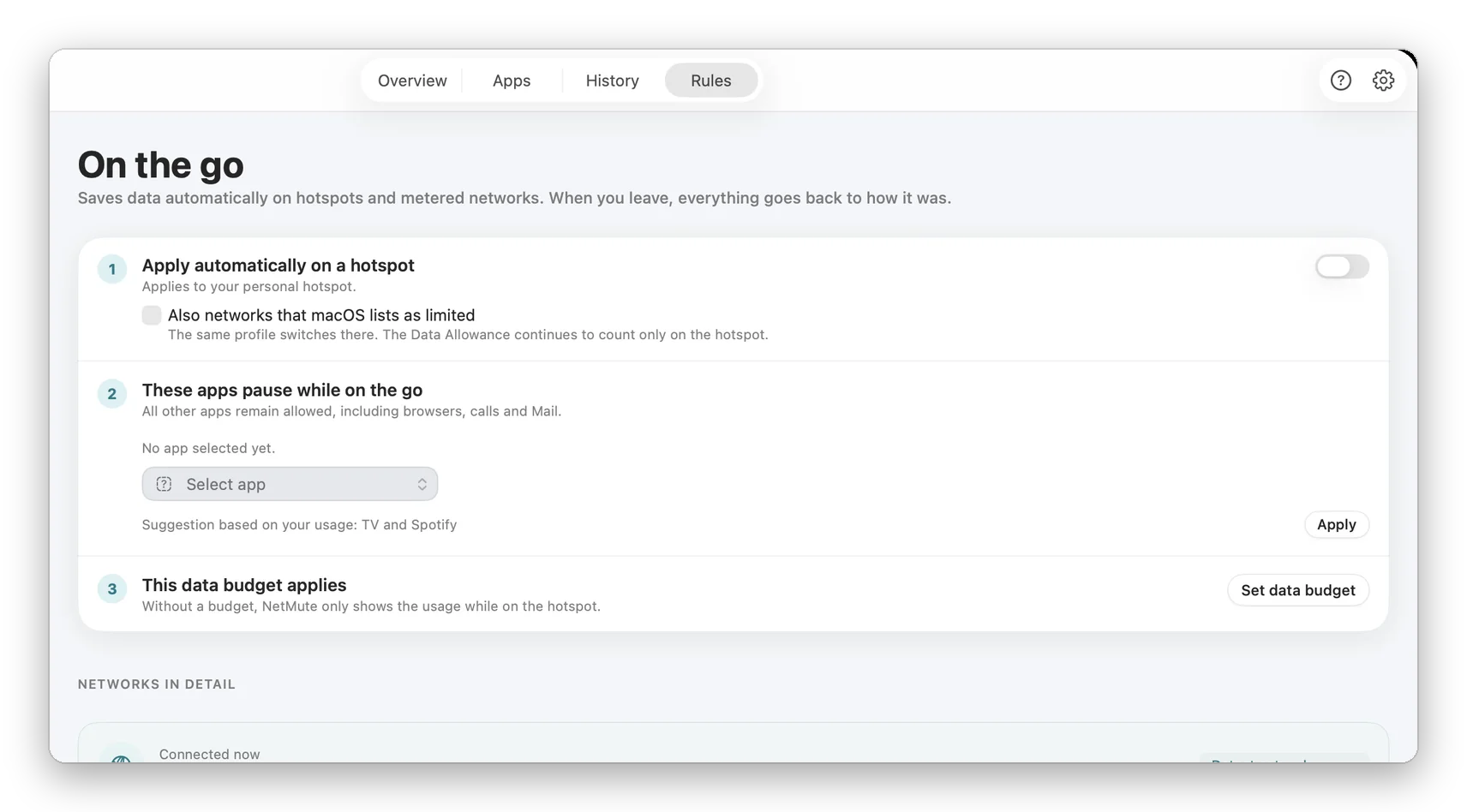
Public Wi-Fi is insecure, and here's why
When you connect to a public Wi-Fi, other users on the same network can potentially intercept your traffic. Man-in-the-middle attacks, ARP spoofing, and fake hotspots are real threats. While HTTPS protects your connection content, metadata (which servers you contact, when, and how often) remains visible.
How hotspot protection works
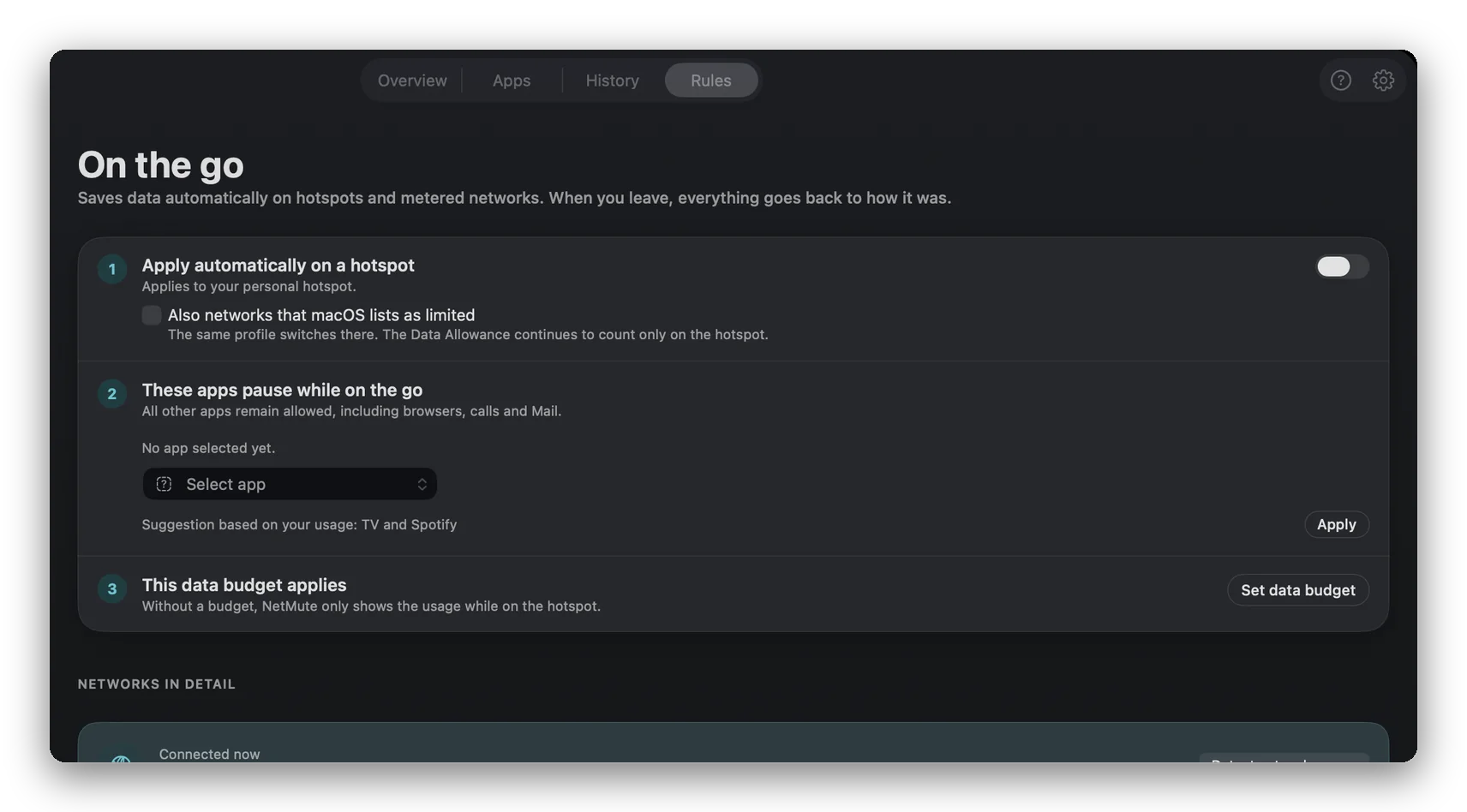
NetMute detects when you connect to a new or untrusted Wi-Fi. It automatically activates your restrictive network profile and blocks non-essential apps. Only explicitly allowed apps (like browsers and VPNs) get network access. When you return to your home network, your normal rules are automatically applied. When more than one rule could match, a fixed order of precedence decides which one wins: a personal hotspot first, then a rule written for this exact Wi-Fi network, then a rule for any Wi-Fi, and last the catch-all line for any other network. The order is fixed so the answer to "why did this profile switch on" is always the same one.
Where hotspot protection saves you
At a hotel: block all background apps, allow only browsers and VPNs. At an airport: maximum lockdown. At a café: allow work tools, block everything else. In conference Wi-Fi: prevent your Mac from sending information to network scanners of other participants.
Why a VPN alone isn't enough
A VPN encrypts your traffic but doesn't stop apps from connecting. An app leaking data to a tracker continues to leak, just through the VPN tunnel. Hotspot protection operates on a different level: it controls which apps are allowed to connect at all. Combined with a VPN, you get encryption (VPN) and access control (NetMute).
Key benefits
- Automatic detection of public and untrusted networks
- Immediate activation of strict firewall rules
- Custom public Wi-Fi profile with your preferred restrictions
- Connection warnings for suspicious network behavior
- Seamless return to normal rules on trusted networks
Frequently Asked Questions about Hotspot Protection
How does NetMute know a network is untrusted?
Networks you haven't explicitly marked as trusted are treated as untrusted by default. You can manually mark networks as trusted from the menu bar.
Should I use a VPN with hotspot protection?
Yes, ideally both. A VPN encrypts your traffic. NetMute controls which apps can connect. Together, they provide the most secure setup for public networks.
Does it work with captive portals (login pages)?
Yes. NetMute detects captive portals and temporarily allows your browser to complete login before strict rules take effect.