 NetMute
Know what your Mac does online
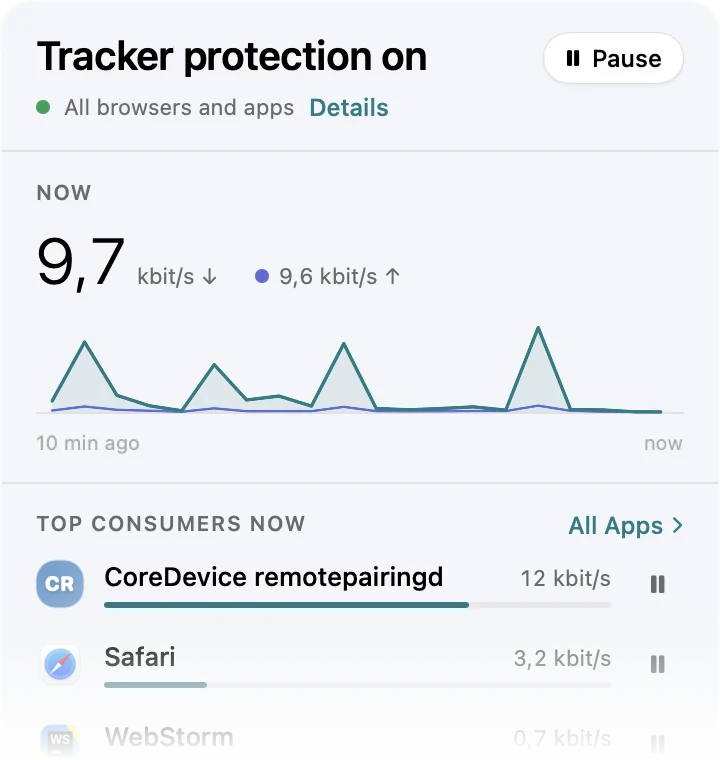
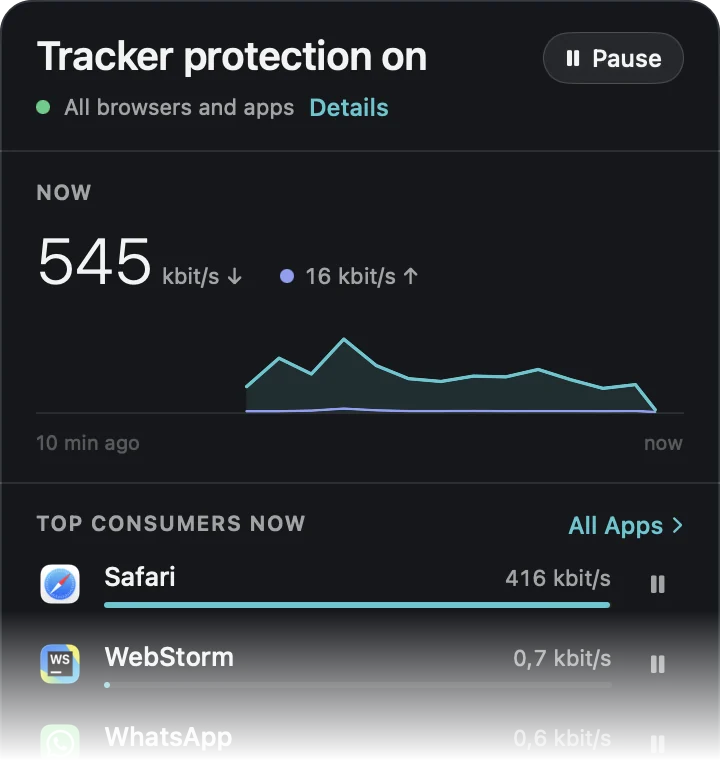
How much data does Spotify consume per hour? Is Dropbox syncing constantly in the background? Which app is eating your mobile data? Without monitoring, you're blind. NetMute's traffic monitor shows real-time bandwidth per app, with separate upload and download. See exactly which apps are active and how much data they have used today and this week, and with Pro over months.
How traffic monitoring works
NetMute captures network activity at the system level and assigns it to individual apps. Each connection is logged with target domain, data volume, and direction (upload/download). The menu bar displays a compact live view with current speeds. Click to expand and see per-app breakdowns, historical diagrams, and connection details. All data is stored locally on your Mac.
Everyday monitoring scenarios
Mac tethered to your phone? The traffic monitor shows exactly which apps are consuming your mobile data. Slow internet? See which app is hogging bandwidth. Debugging a web app? Watch connections in real-time. The traffic monitor makes network activity transparent from invisible.
Why network transparency matters
Most people have no idea how much data their Mac sends and receives. Background processes, cloud syncs, analytics pings, auto-updates all consume bandwidth and can leak data. Activity Monitor shows CPU and RAM, but its network view is limited. NetMute offers a clear, app-centric view with history for the current week and, with Pro, for months.
Main advantages
- Live bandwidth monitoring per app with upload/download speeds
- This week's data use per app; months and years with Pro reports
- Connection details and domain logs per app
- Finds the app that eats your hotspot data or slows a call
- Menu bar widget with compact real-time speed indicator

