 NetMute
One Mac, many networks, different rules
At home, you might want to give all apps internet access. In a cafe, block everything except browsers and VPN. At work, allow certain apps for internal servers. Without profiles, you'd have to reconfigure your firewall rules at every network change. Network profiles solve this: define your rules once per environment and let NetMute handle the switching.
How network profiles work
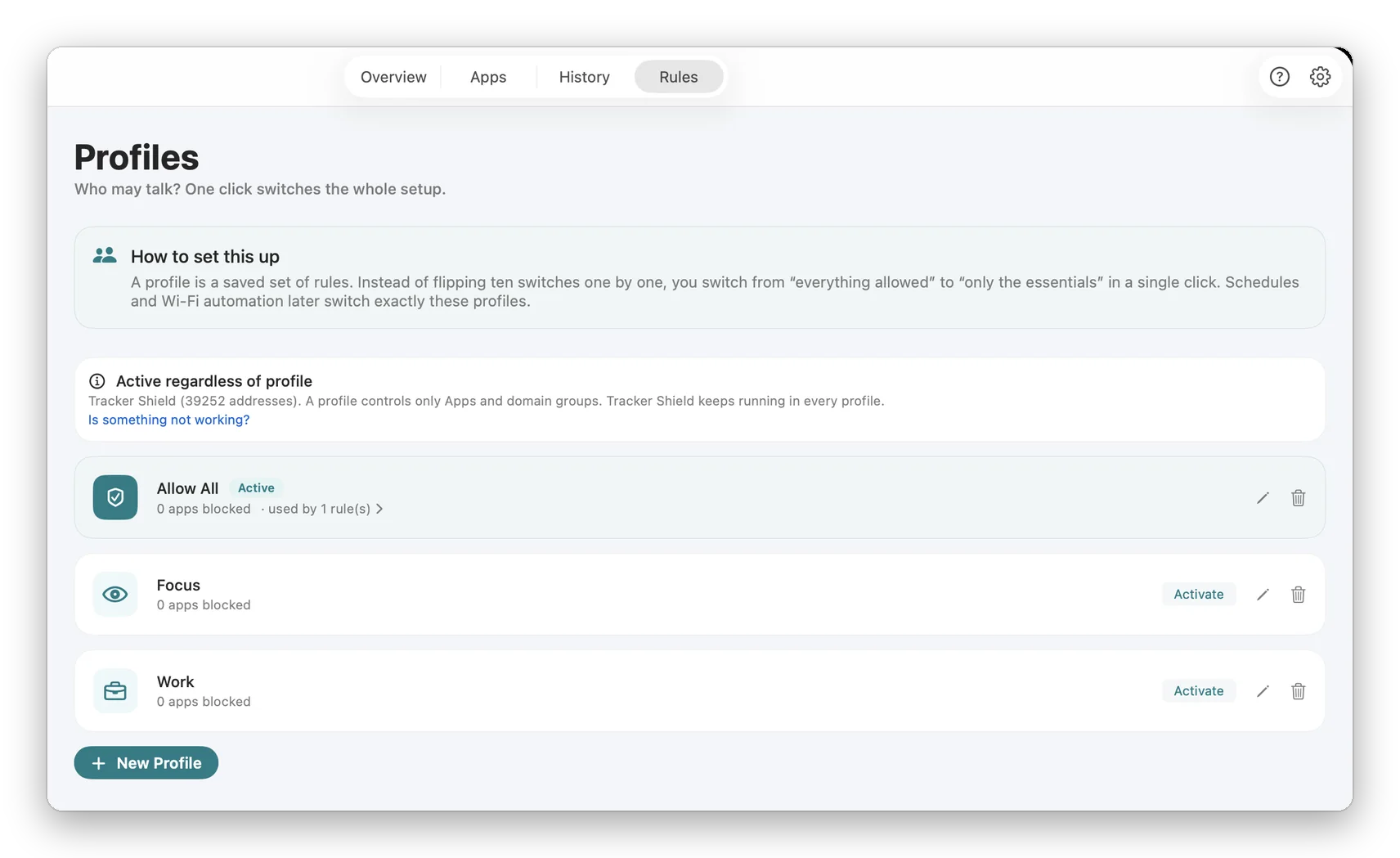
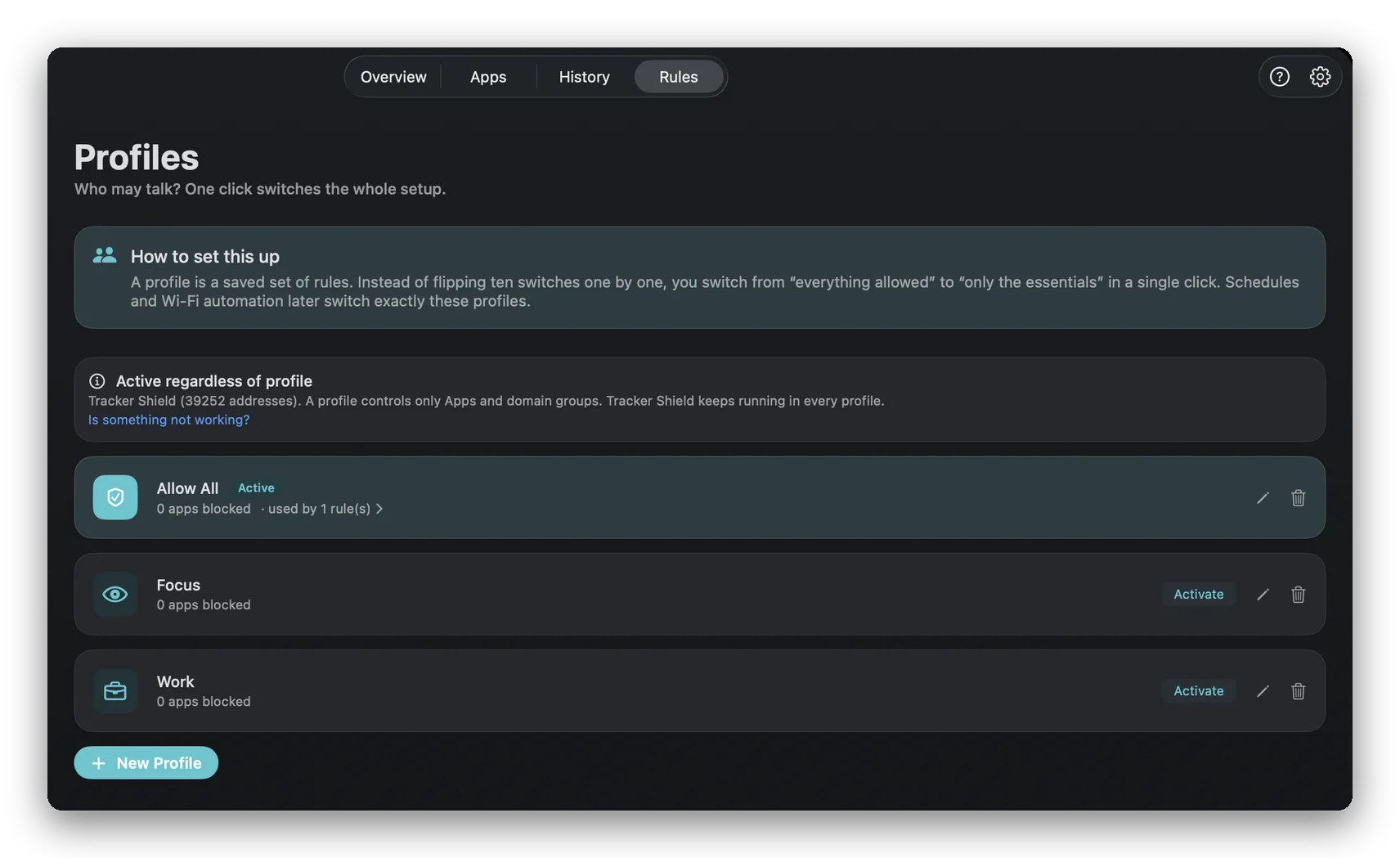
Start with the ready-made profiles or make your own for home, office, café or hotspot. A profile saves which apps and domain groups are blocked. NetMute switches profiles when you change networks or on a schedule, and you can switch by hand in the menu bar. Tracker Shield and your own domain rules stay on in every profile. Network rules are read in a fixed order of precedence, from a personal hotspot down to the catch-all line for any other network, so a new rule never quietly changes what an existing one does.
Useful profile scenarios
A Café profile that blocks cloud sync and game launchers while you are on someone else’s Wi-Fi. A Work profile that keeps social apps offline from 9 to 5 on weekdays. A Hotspot profile that lets only the apps you need online. Each one switches on by itself once you have set the rule.
Why context-aware security matters
Static firewall rules are a compromise: too strict at home or too lax on public networks. Profiles eliminate this compromise. Your security automatically adapts to your environment.
Key benefits
- Ready-made profiles: Allow all, Focus and Work
- Your own profiles for any place, unlimited with Pro
- Each profile saves which apps and domain groups are blocked
- Switches by Wi-Fi network, on a schedule, or by hand in the menu bar
- Tracker Shield and your domain rules keep running in every profile

